Measure and price a property, and track your QR codes
Measure and price at the door, deposits on recurring plans, multiple properties per customer, QR code tracking. That was one week. Most CRMs won’t ship that in a year.
August 17, 2026 · 7 new featuresAutomatically measure and price properties.
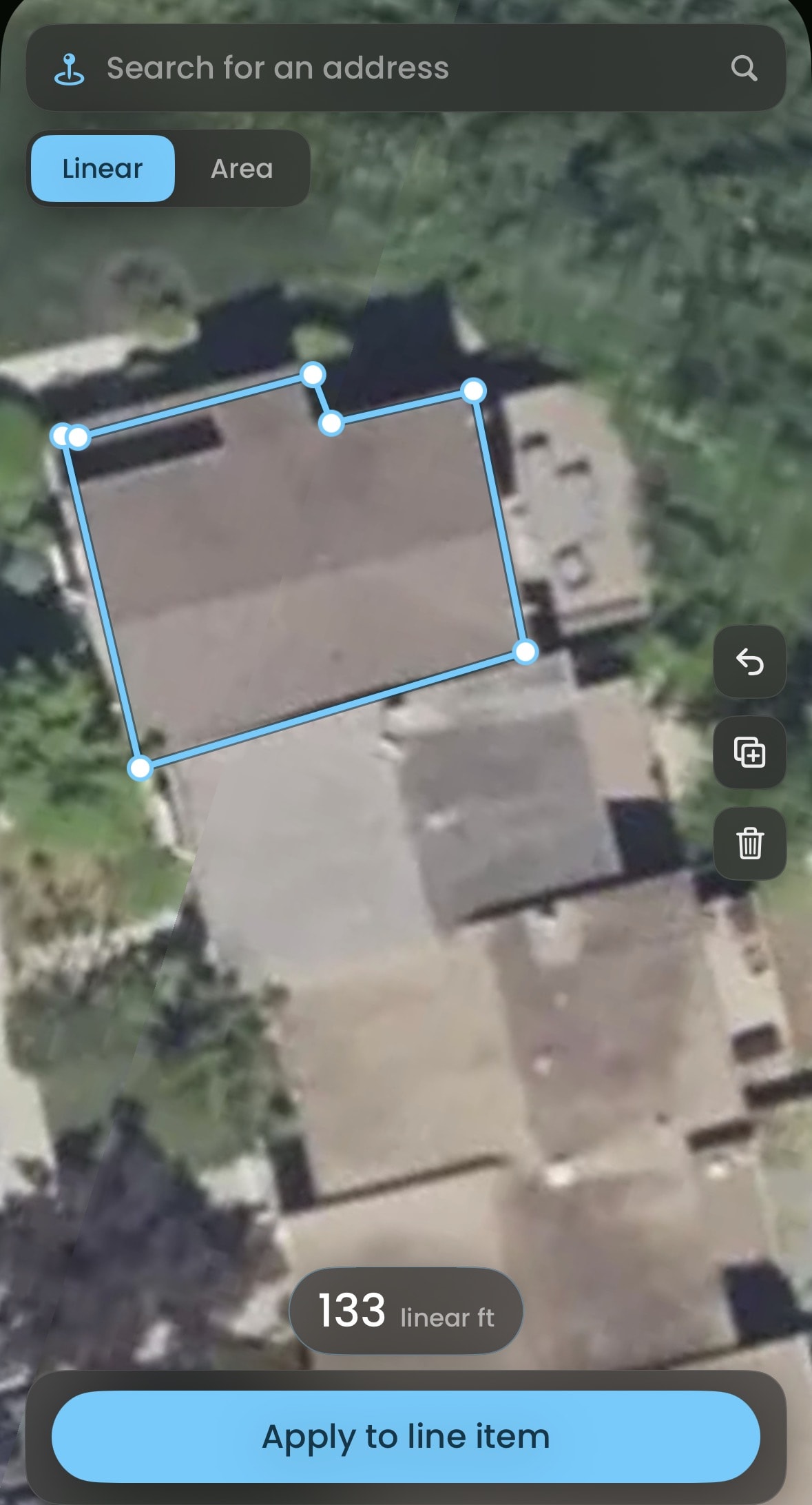
Trace the property in satellite view and apply the measurement straight to your jobs, estimates and subscriptions.
One customer record, multiple properties.
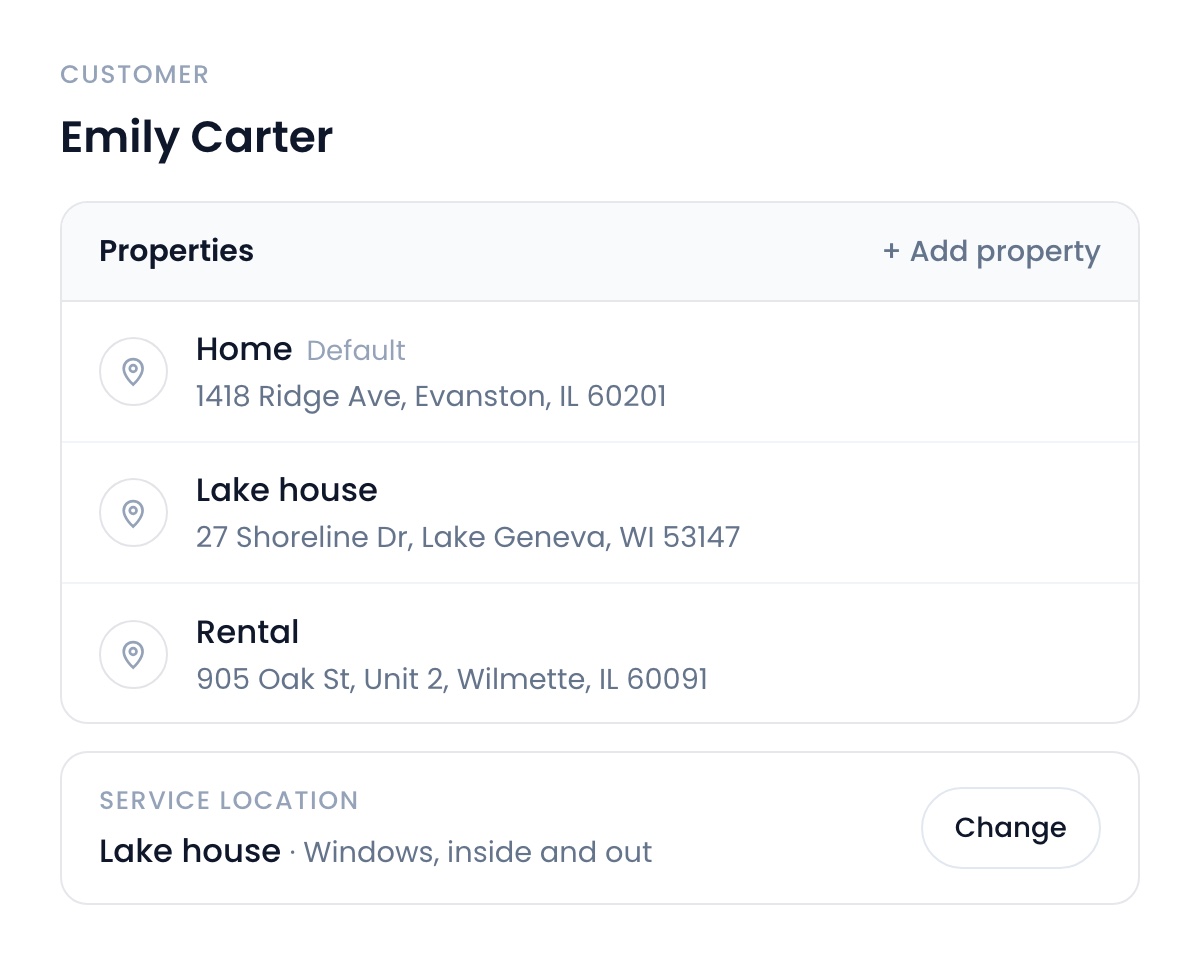
A customer with three properties used to mean three separate records, not anymore. You can now have multiple properties per customer. Jobs and subscriptions point at the exact property it happens at and every agreement prints the right address.
Integrated QR tracking and analytics.
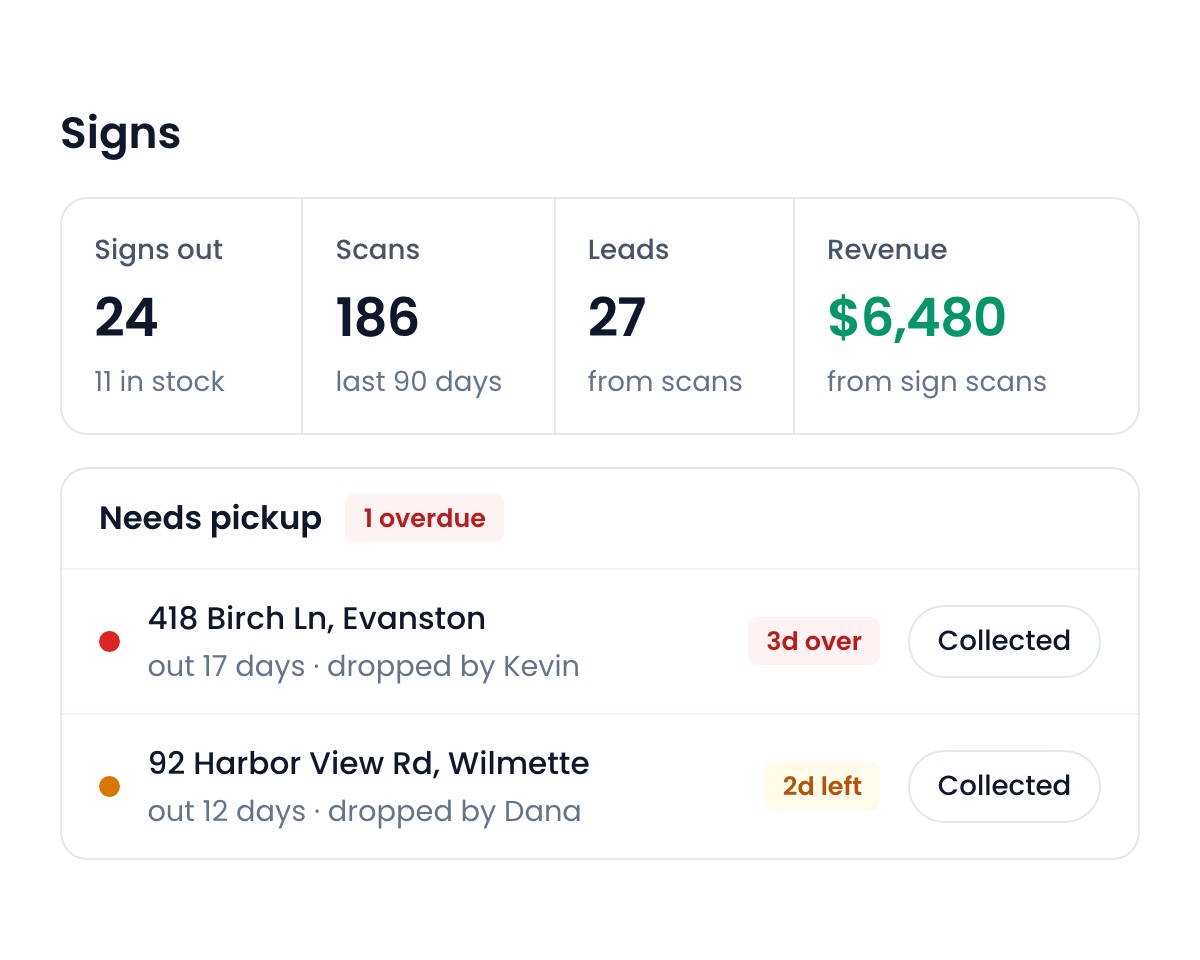
Yard signs, flyers and door hangers each get a QR code. A neighbor scans it and lands in your pipeline. You see which areas convert, what actually works, and which signs are due for pickup, right on Flyra.
Require deposits for recurring plans.
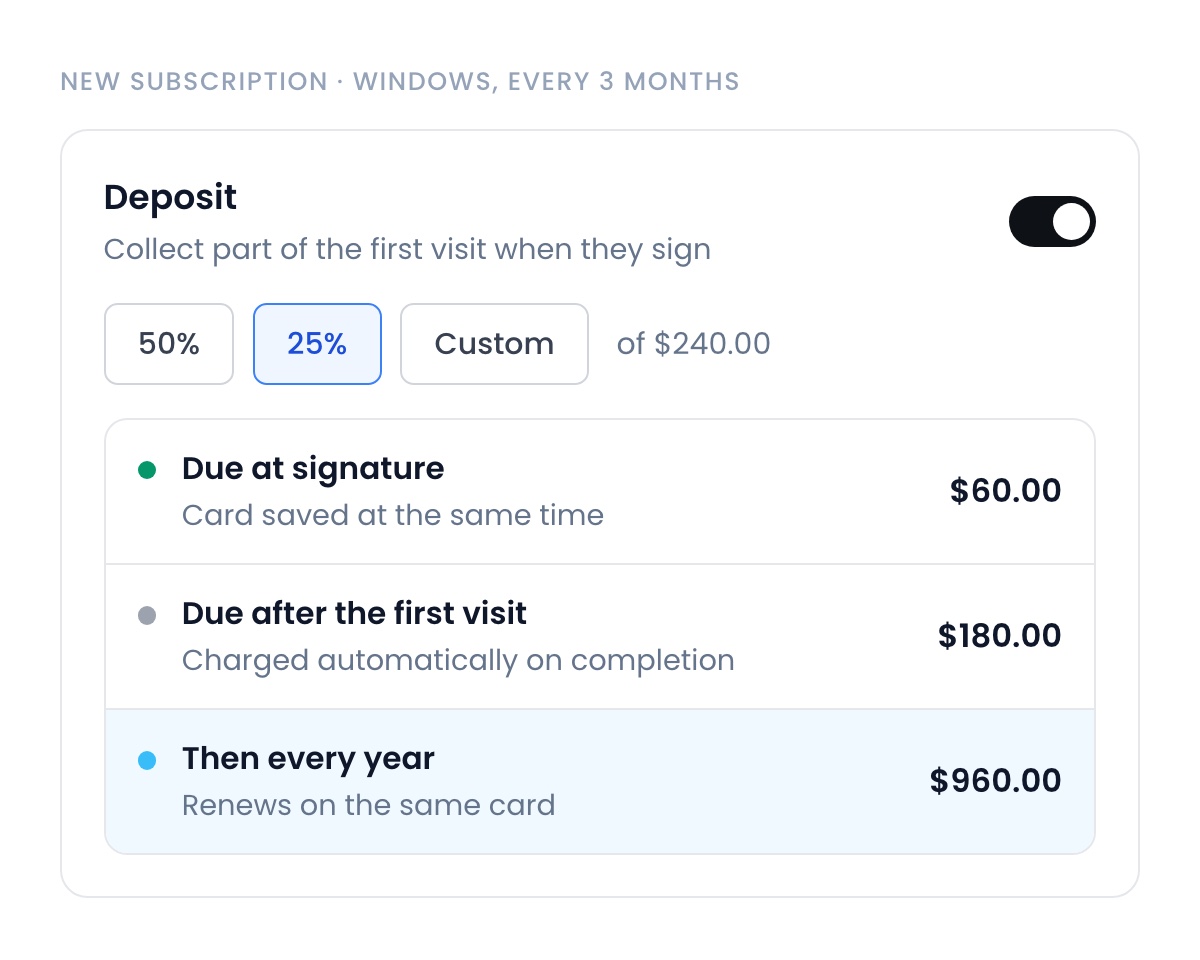
Flip one toggle and the plan collects part of the first visit at signature, with the card saved at the same moment. The rest charges automatically after the first visit, and every renewal hits the same card. No more starting recurring work on a promise.
Auto apply tax rates.
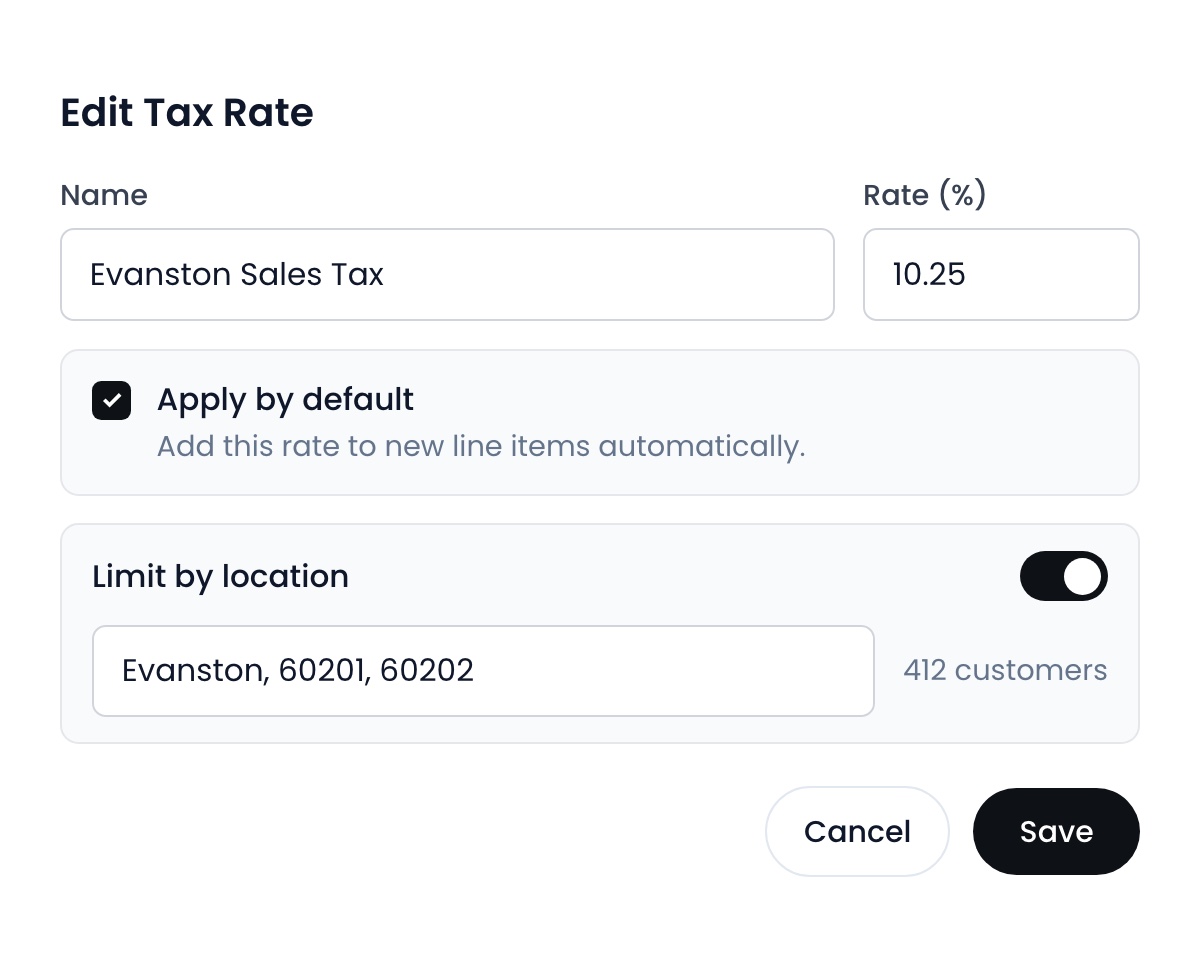
Reps picking the wrong sales tax quietly costs you thousands every year. Now you decide exactly where and when each rate applies, down to the state, city or ZIP.
Timesheets, wired into payroll.
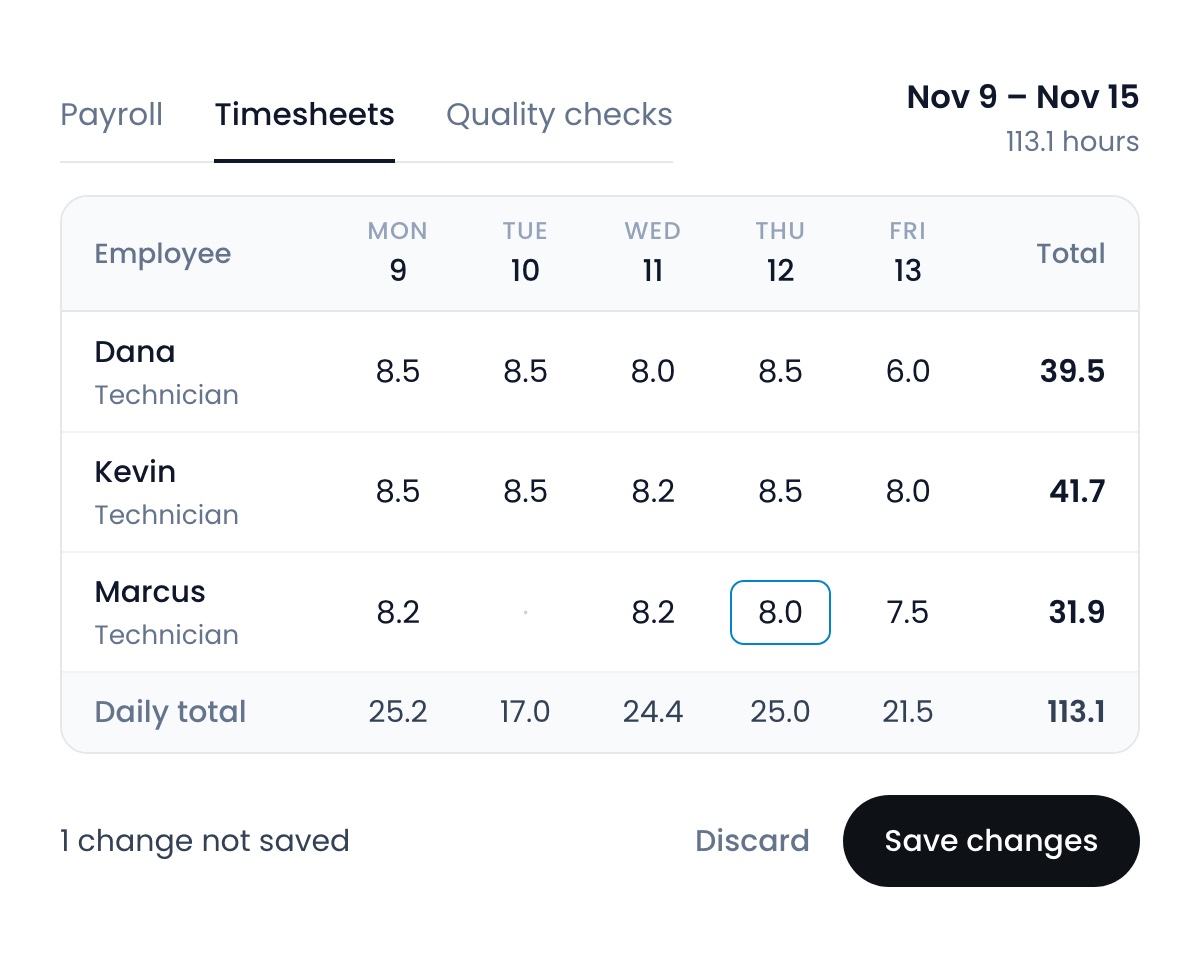
View and edit every employee’s timesheet, and the hours land in Flyra payroll on their own.
One review link, everywhere.
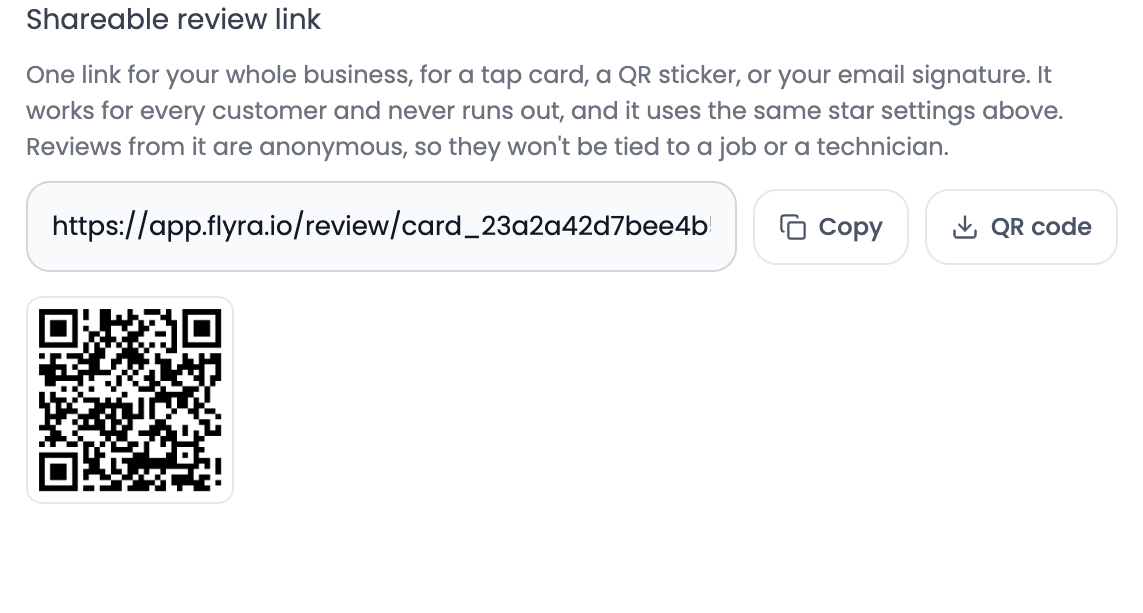
A reusable review link for tap cards, QR codes and anywhere else you want reviews from, still wired through your review gate so your business profile stays clean.
Also new
- Tip reports for technicians.Every technician sees their own tip report on their dashboard: average tip, the percentage of jobs that tip them, their largest, and totals over any date range.Find it: On each technician’s dashboard
- Your phone line, your rules.Record voicemail greetings for missed calls, send a declined call straight to voicemail, and block numbers so they never ring your crew again.Find it: Phone → Settings, on desktop
Fixes and improvements
- A sharper dashboard.A rebuilt revenue card, ranked goal rows, and your charts as bars or a line.
- New pie charts on reports.Subscription revenue split by billing frequency, and a line item breakdown on the jobs report.
- Faster customer search on mobile.Search matches from the first letter, and loads faster and more reliably on a weak signal.
See why teams are switching to Flyra
Thirty minutes where we show you how Flyra will help your business.