Referrals, review requests and Google Calendar
Our development team has been working harder than ever to bring your business the best features. Here is everything we added this week.
August 10, 2026 · 5 new featuresYour own referral program
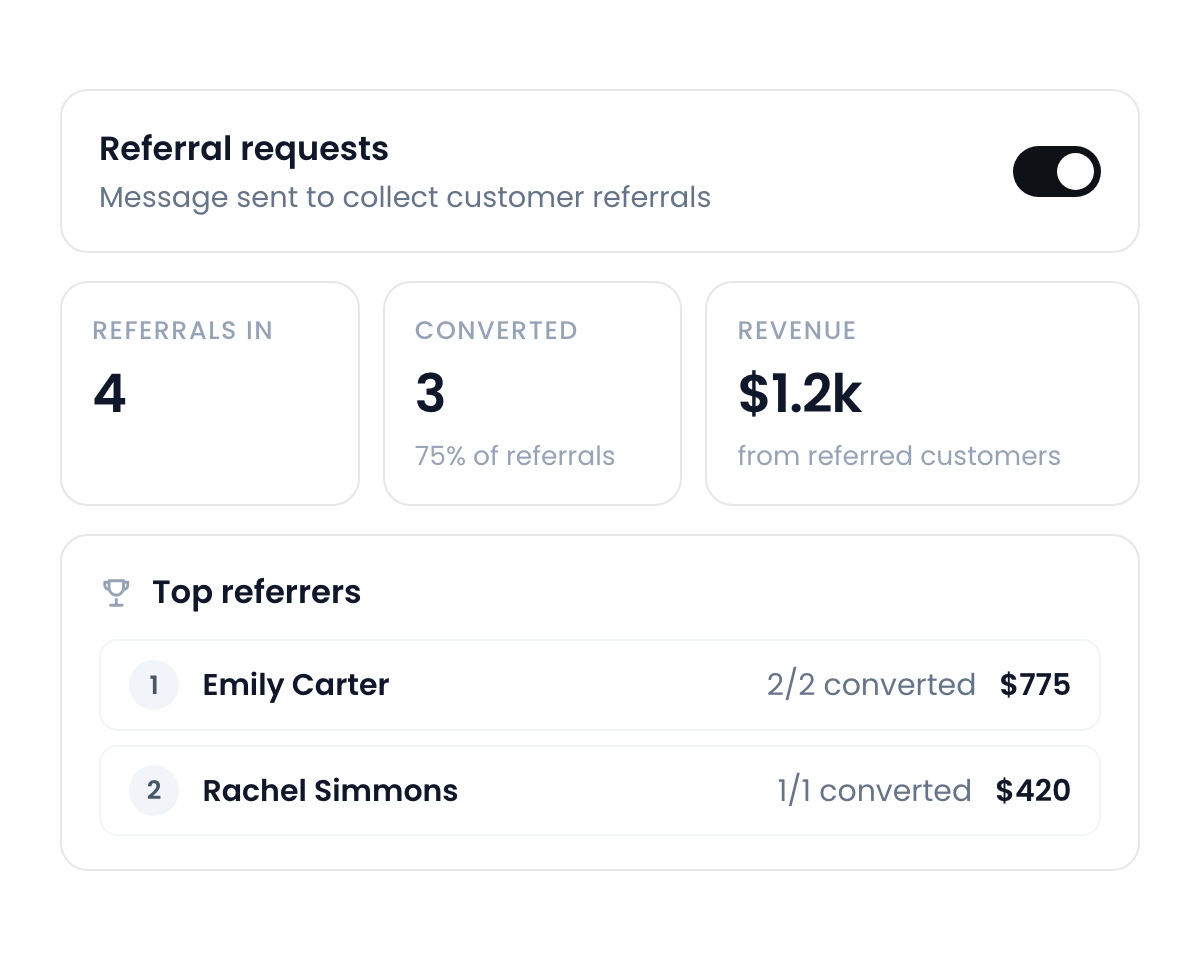
Flyra automatically sends out referral requests to happy customers and tracks who they send you, allowing you to grow your business from happy clients.
Ask for the review the second they pay.
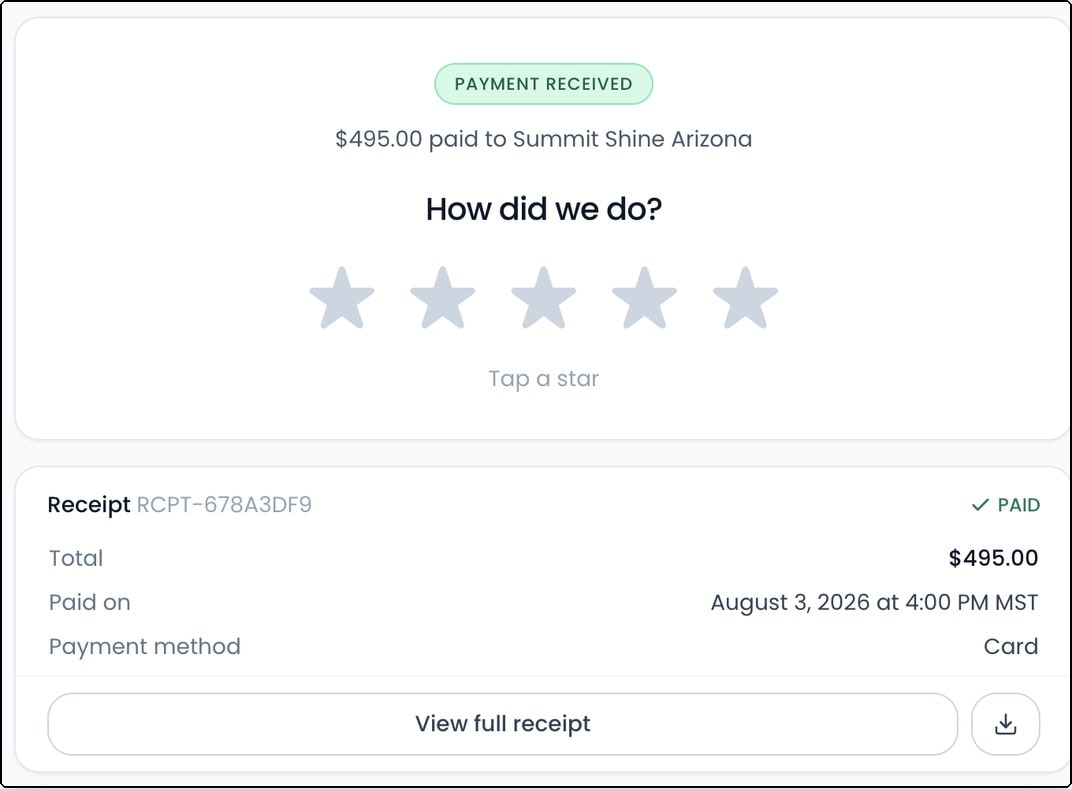
After a customer pays, they land on a receipt with the review ask right at the top. They’re already on their phone thinking about you. It’s the best moment you will ever get, and it’s already switched on.
Your jobs, in Google Calendar.
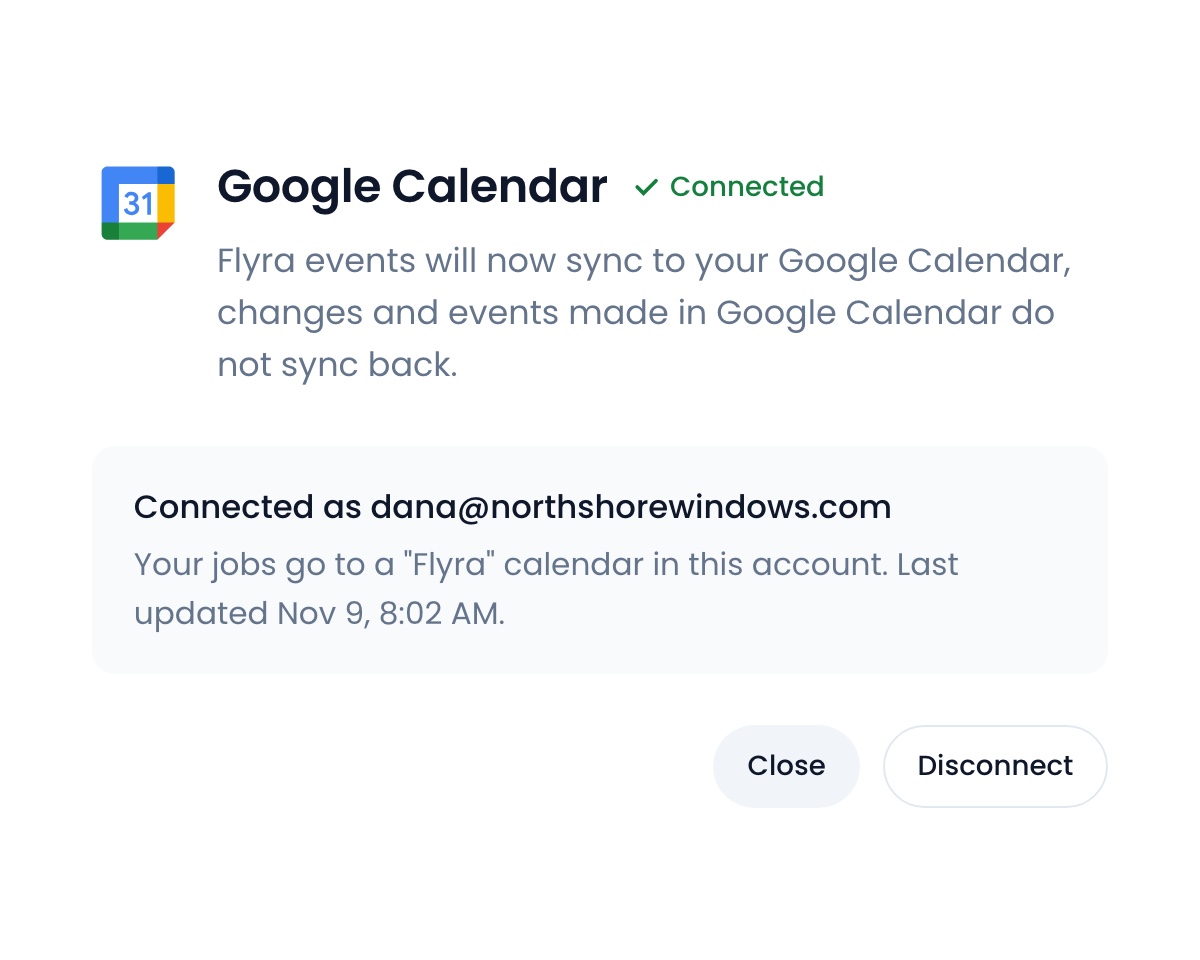
Connect Google Calendar once and every scheduled job syncs across automatically. Your crew sees the day’s work wherever they already look, and you choose which roles it applies to.
Nobody falls through the cracks on a cancel.
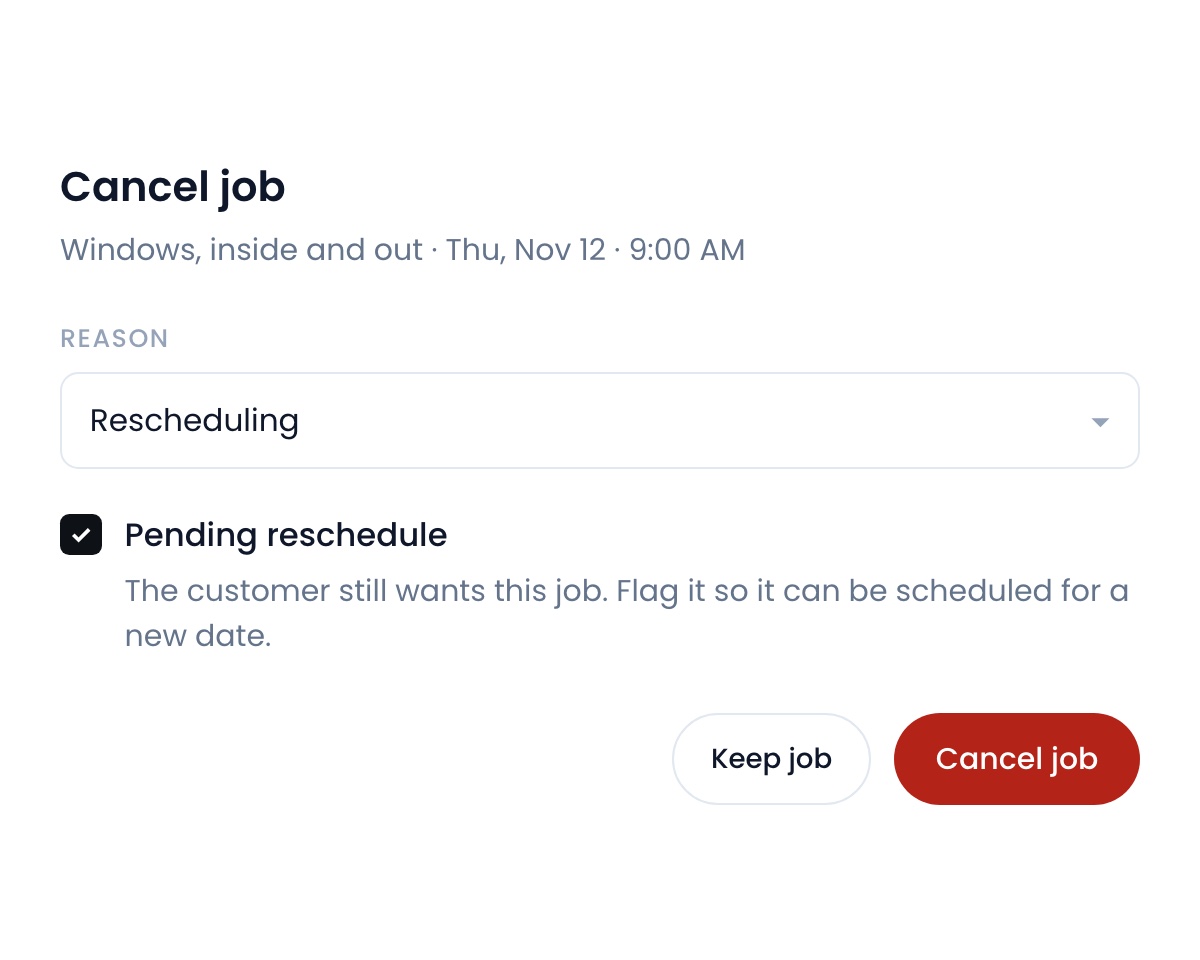
Cancelling a job now lets you mark it pending reschedule. It stays pinned to your calendar until you rebook it, so the customer never quietly disappears.
See where your team is, even off the app.
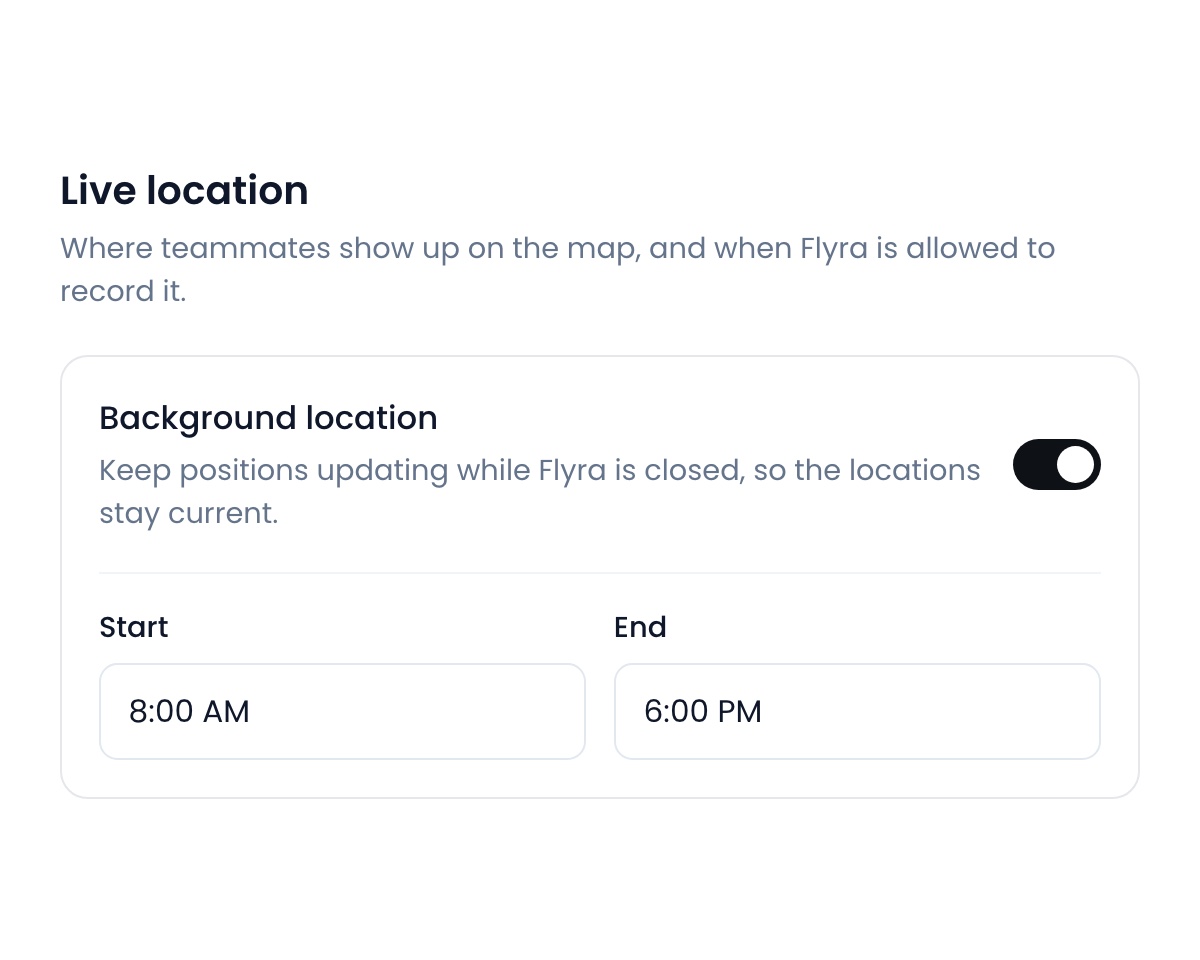
Turn on background location and positions keep updating while Flyra is closed. Set the hours it applies to so it only ever runs while your crew is on the clock.
Also new
- Meta Conversions APIYour pipeline now reports stage changes straight back to Meta, so your ads optimise against the leads that actually became customers instead of raw form fills.Find it: Leads → Integrations
- Pick your automatic tax ratesMark which of your saved rates should apply on their own to new jobs, invoices and subscriptions, and leave the rest off by default.Find it: Settings → Organization
Fixes and improvements
- Estimate deposits follow the job.A deposit paid on an estimate is credited automatically when you invoice.
- Payment exports split out tax and tips.Service, tax and tip each get their own column.
- Job checklists group by template.Each template gets its own section instead of one flat list.
- Filter an SMS blast by subscription.Message only your subscription customers, or only the ones without one.
See why teams are switching to Flyra
Thirty minutes where we show you how Flyra will help your business.