Your team live on the map, and easier subscriptions
Here's what's new with Flyra this week.
August 3, 2026 · 3 new featuresSee your team on the map, live.
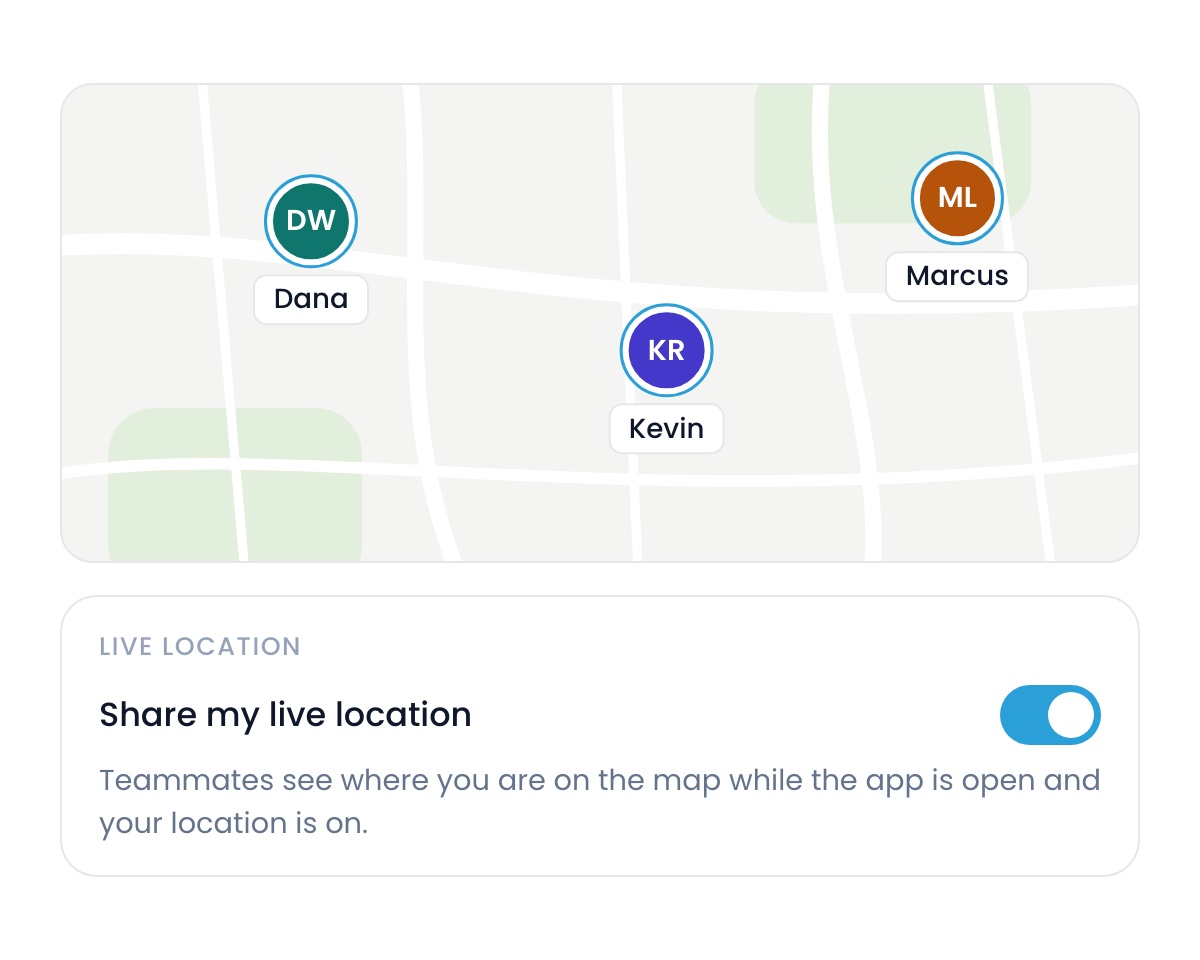
The Flyra map now shows your whole team live. To turn it on, update the app to 7.1 on the App Store, then flip the toggle under Settings → Profile.
Subscriptions, without the friction.
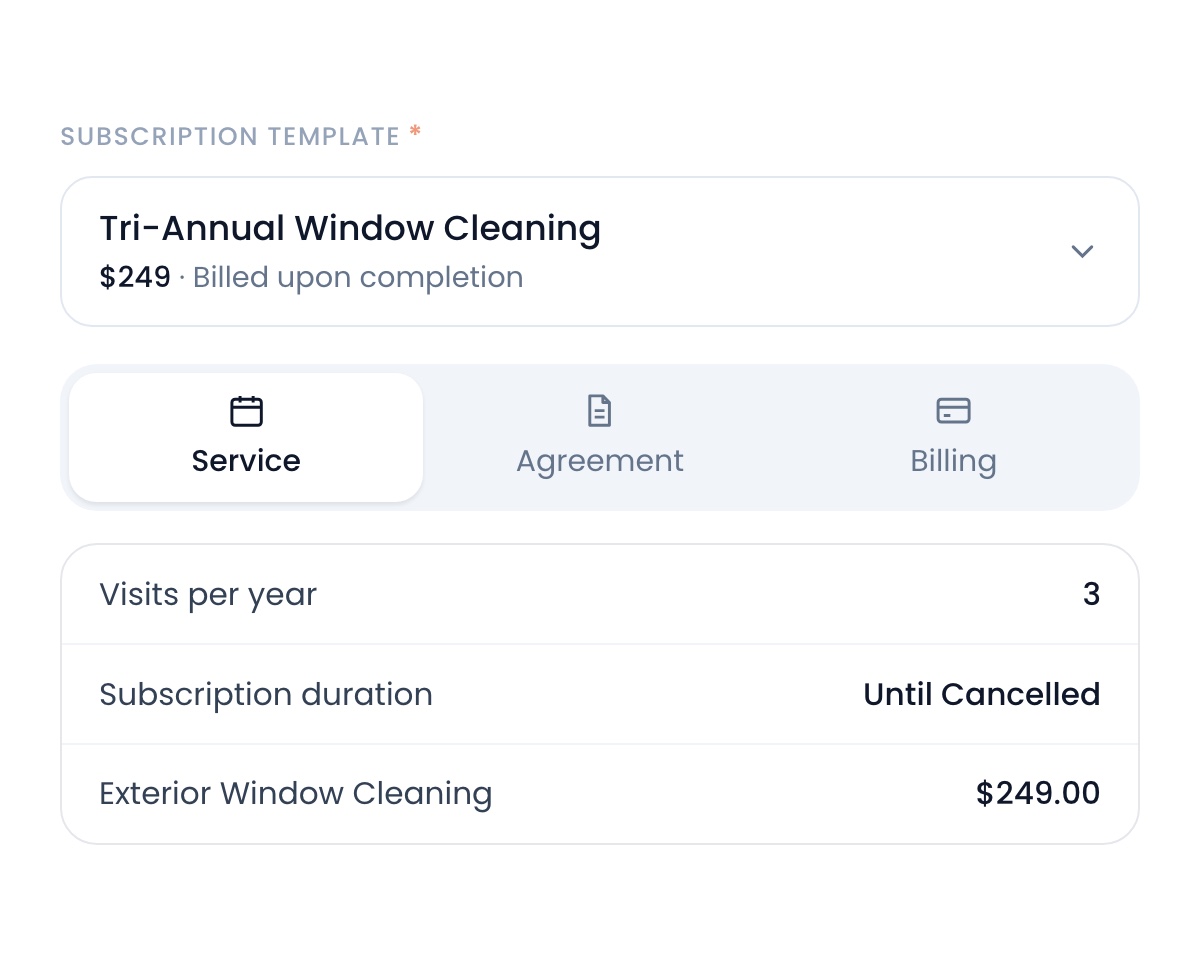
Pick a plan template and Flyra fills in the service, the agreement and the billing. Your customer signs and pays on one page.
A redesigned client portal.
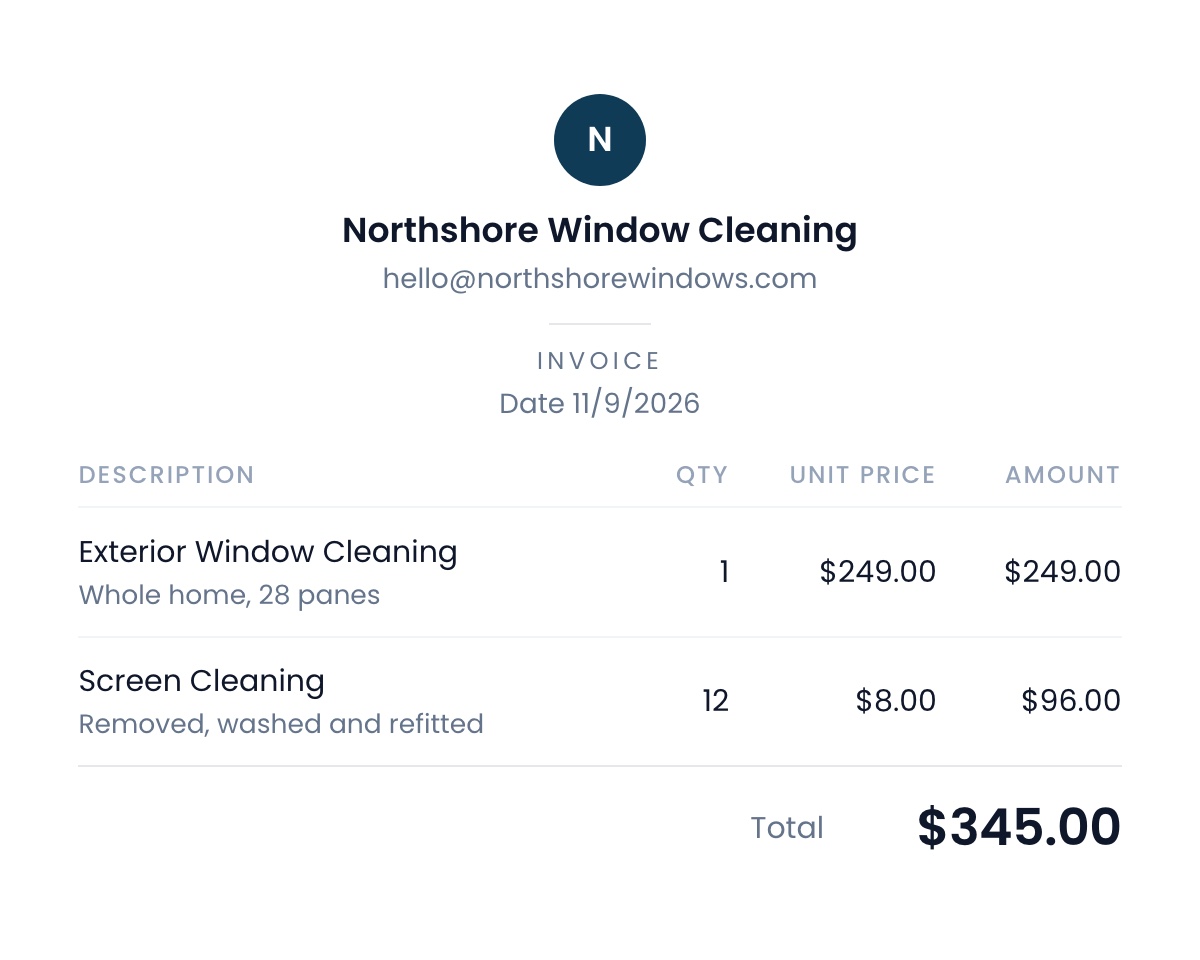
Every invoice, estimate and subscription your customers open has a new look. Clean, consistent and built around your brand.
Fixes and improvements
- Review requests that follow up by themselves.Flyra nudges customers who never left the review you asked for, and stops when they do. Turn it on under Settings → Automations → Review.
- A keypad on web calls.Calling from your computer now has an in-call keypad for phone menus and extensions.
- Your text inbox updates live.New messages appear the moment they arrive. No more refreshing.
- Filter leads by any date range.The Created filter on your leads pipeline now takes any custom range.
- Bigger attachments.Files you send can now be up to 10 MB.
See why teams are switching to Flyra
Thirty minutes where we show you how Flyra will help your business.