Every door, on the map
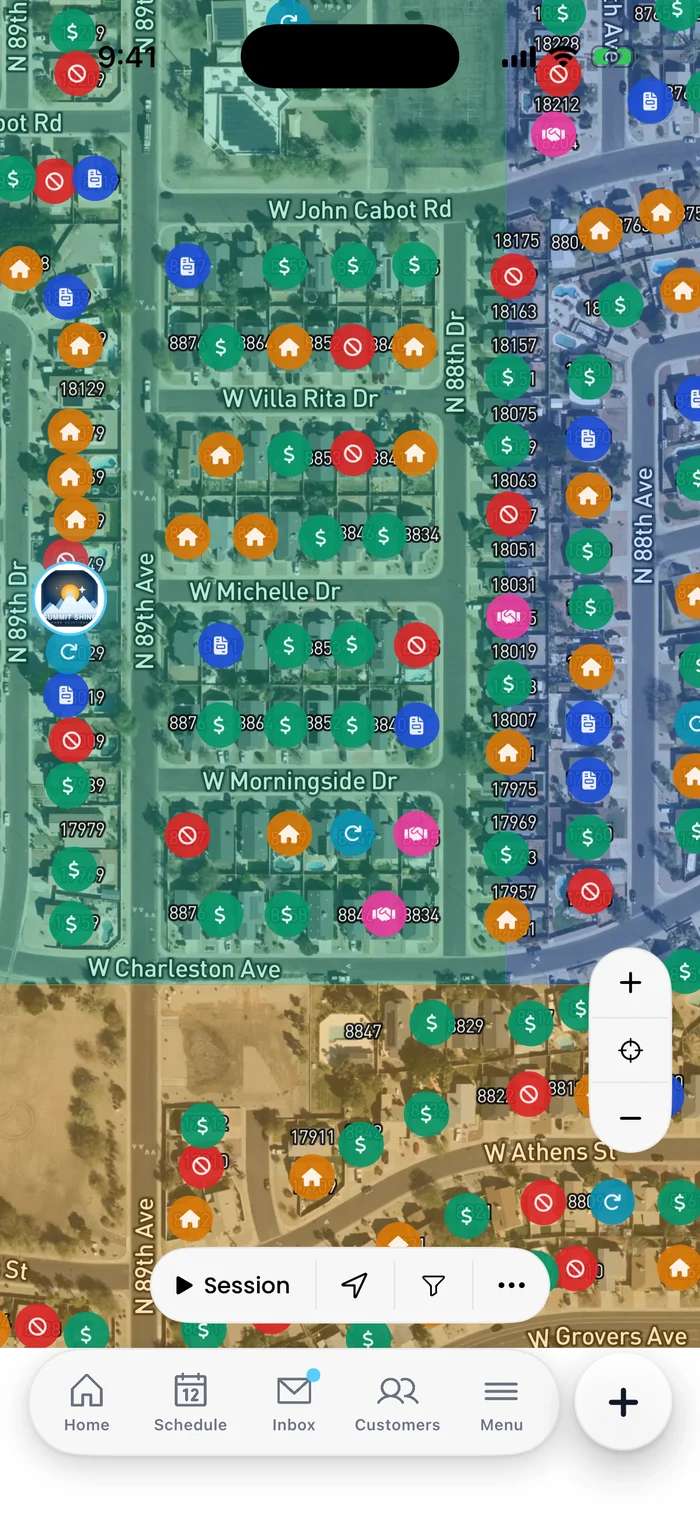
Every knock is a pin: Sale, Not Home, Not Interested, Revisit, Quote and more, each in its own colour, inside the territory you were handed. Create customers, jobs or subscriptions right from the pin.
In Flyra: MapThe map with every door, estimates signed on your phone, and Tap to Pay on the job itself. On iPhone today, and the Android app is planned for November 1.
Every knock is a pin: Sale, Not Home, Not Interested, Revisit, Quote and more, each in its own colour, inside the territory you were handed. Create customers, jobs or subscriptions right from the pin.
In Flyra: Map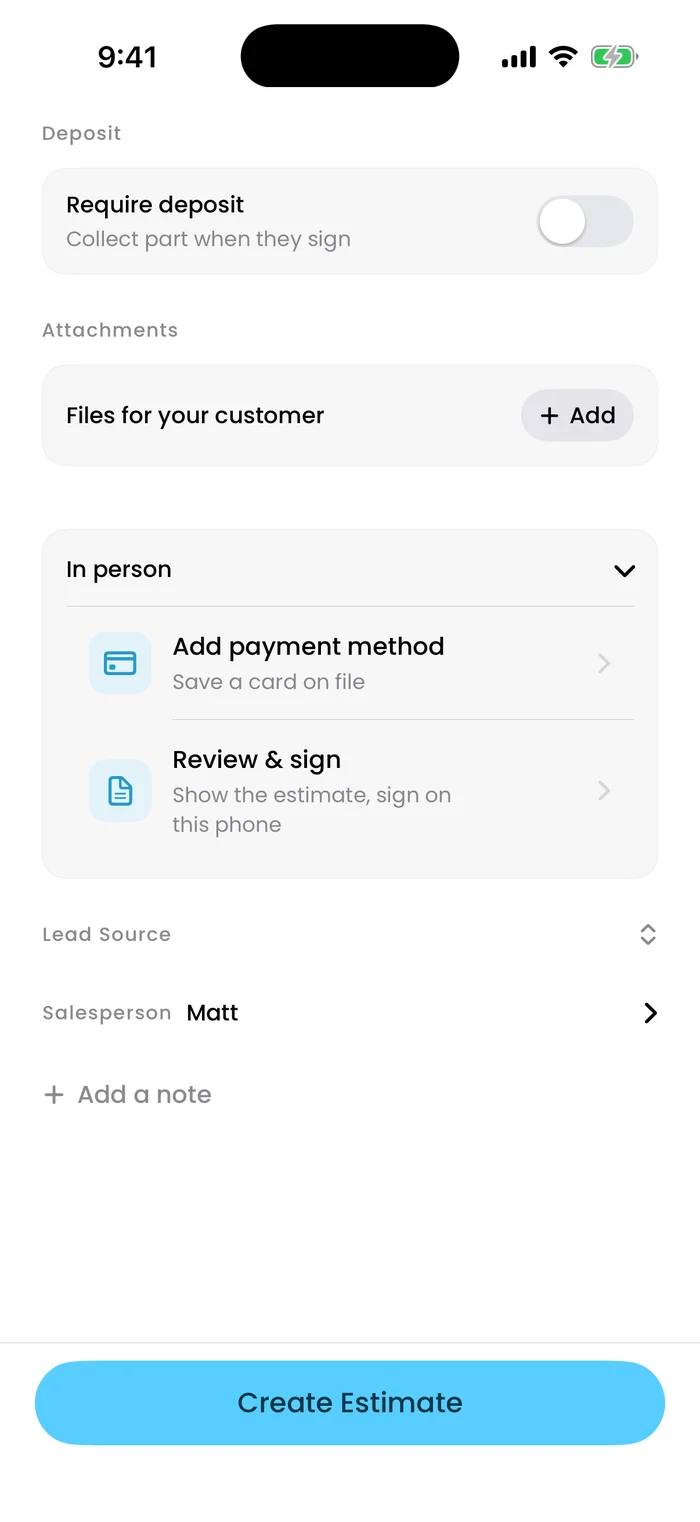
Show the customer the estimate, have them sign on your phone, and save their payment method right at the door.
In Flyra: Estimate → In person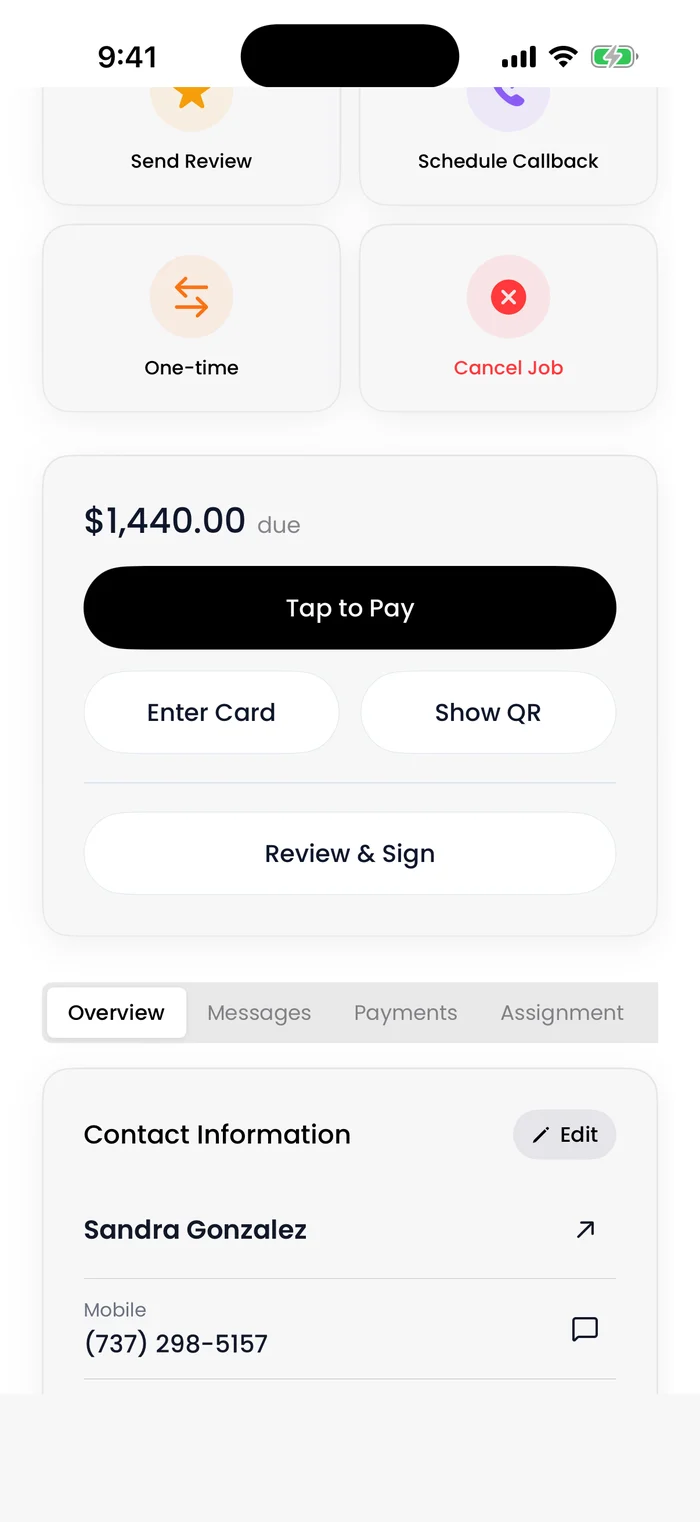
Every job carries its own payment card: Tap to Pay on your phone, Enter Card, Show QR so they scan and pay on their own phone, or Review & Sign.
In Flyra: Job → payment card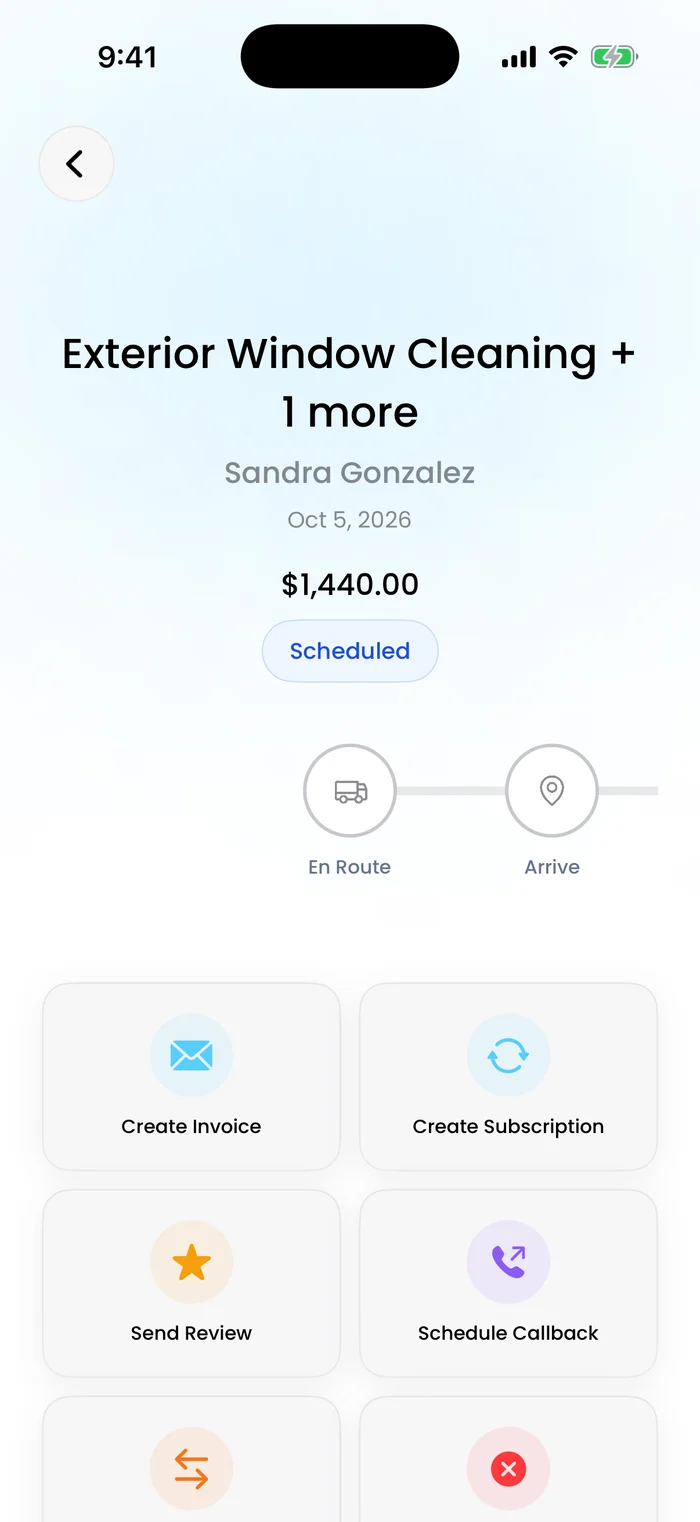
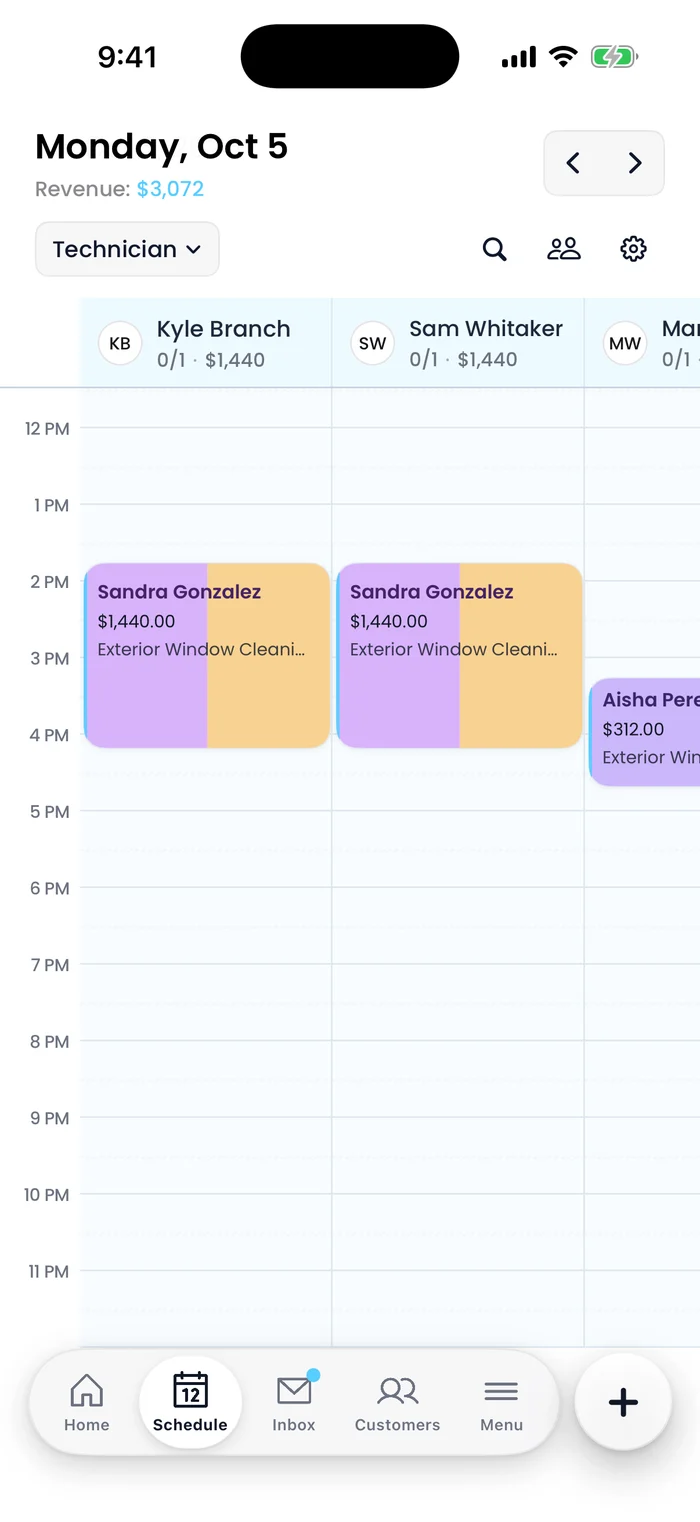
The customer, the price and the status, with En Route and Arrive one tap away, and Create Invoice, Create Subscription and Send Review right under it.
In Flyra: Schedule → jobYes, on iPhone. The Android app is in development and planned for November 1, 2026.
Yes. Every job has a payment card with Tap to Pay, Enter Card, Show QR and Review & Sign, and a saved card can be charged from the job.
Yes. Show the customer the estimate, have them sign on your phone, and save their payment method right at the door.
Yes. The Payments screen in the mobile app shows your Stripe balance and payouts.
Start a free trial, or let us walk you through it with one of your real customers.