Flyra works offline, and your Google reviews on every estimate
No signal, no problem, plus team hours, your Google reviews and a contract library.
October 26, 2026 · 5 new featuresFlyra works offline
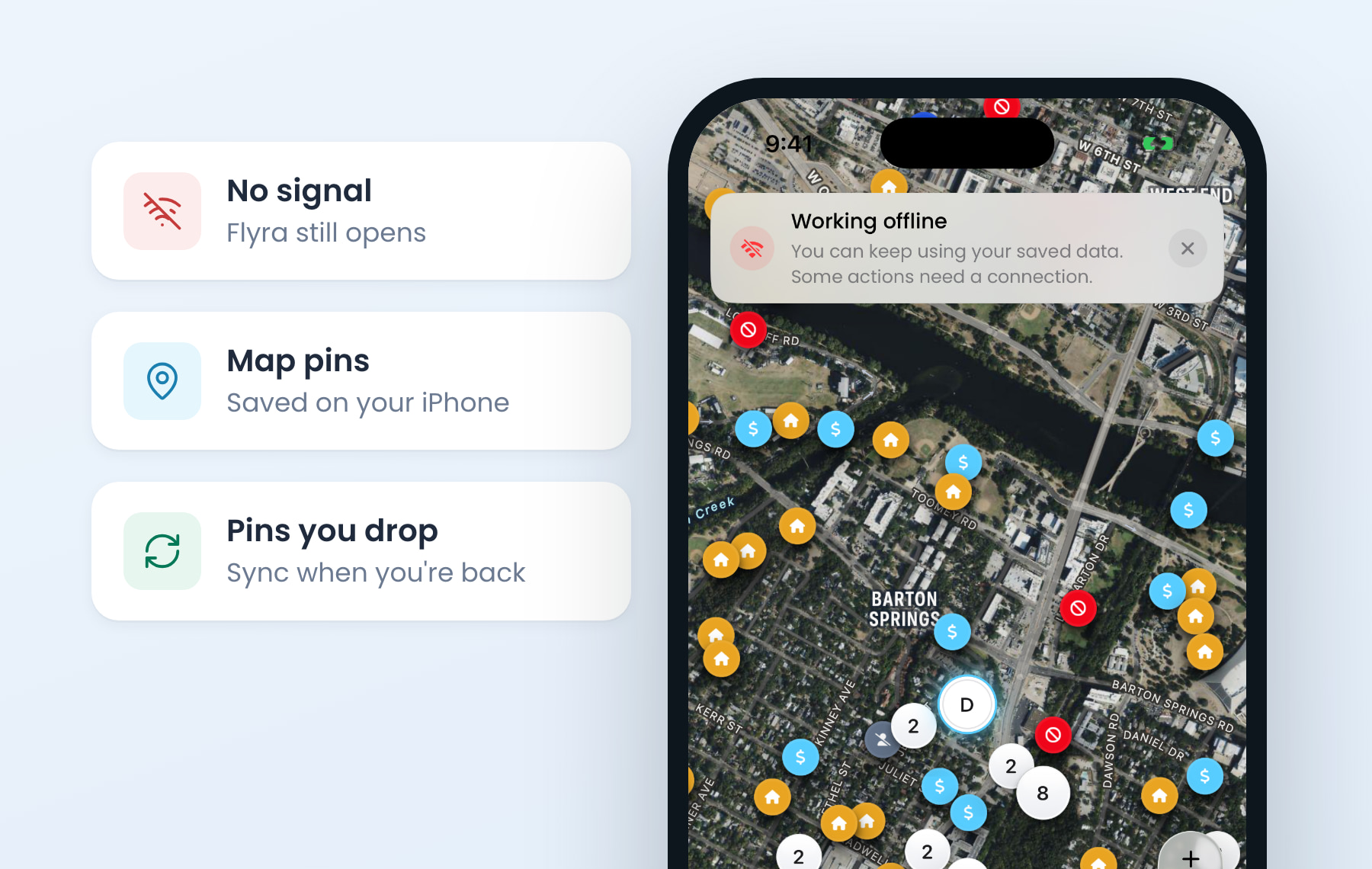
When you lose signal, Flyra keeps working on your iPhone. Your map pins, dashboard, schedule and customers are saved, and pins you drop with no signal sync when you’re back. Update to the latest version to get it.
Your Google reviews on every estimate
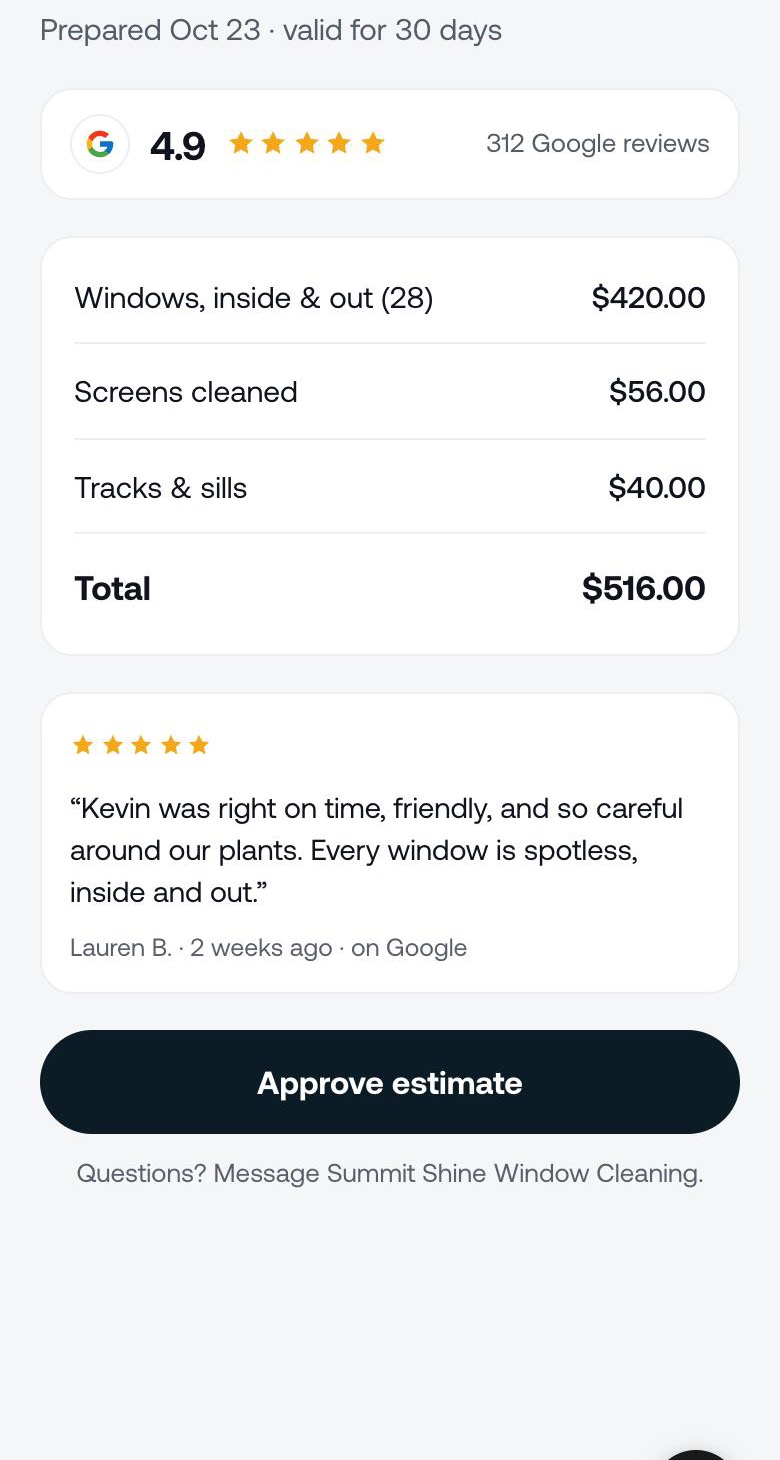
Flyra finds your Google listing and keeps your rating fresh every week. Switch on Show my Google reviews and your rating and a recent review sit on your estimates, invoices and subscriptions, right above the button to approve or pay. It stays off while you are under 4.0.
Team hours
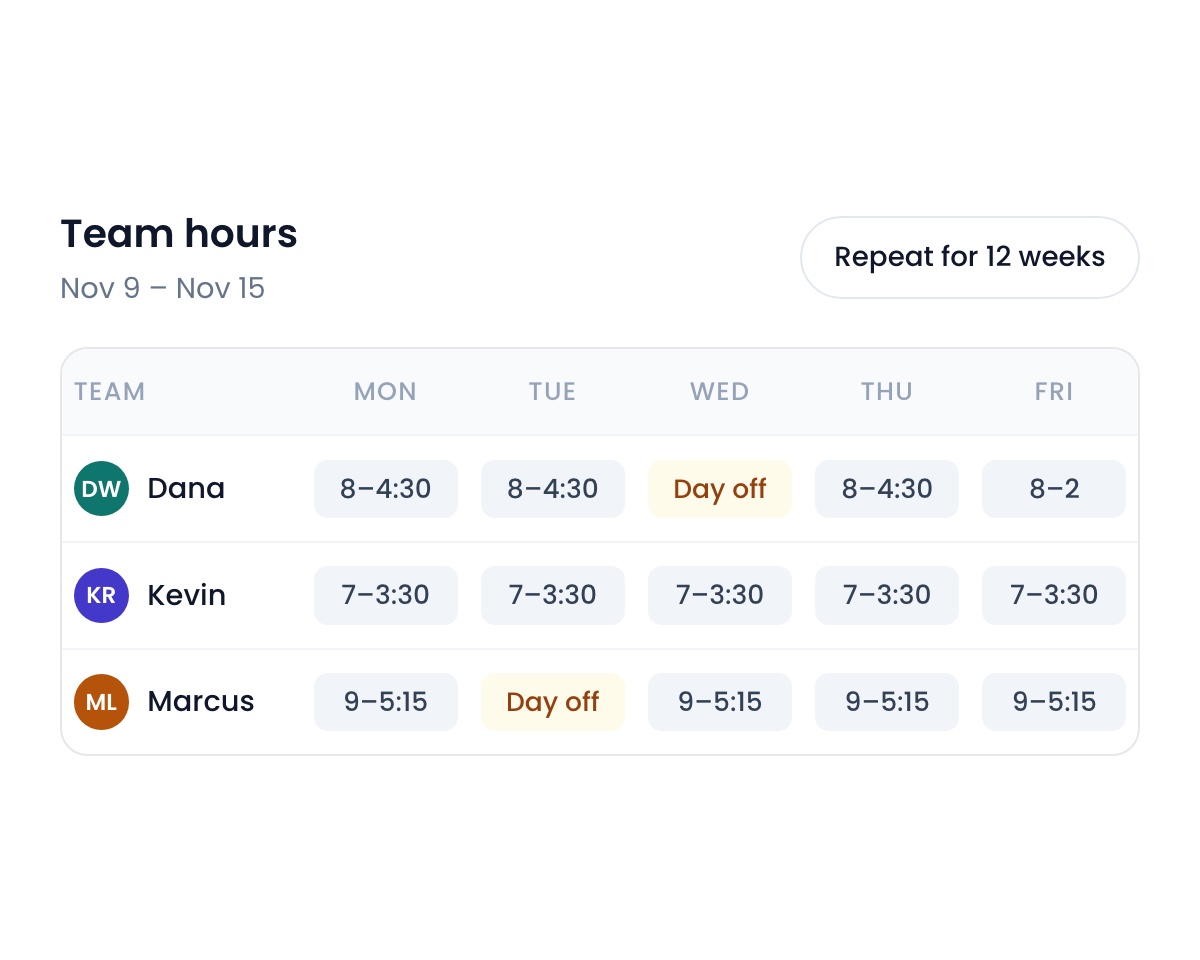
Set each person’s shifts to the minute, give real days off, and repeat a saved week for up to a year. On the web schedule, drag across the calendar to pick a time, then choose a job or a task.
A contract library
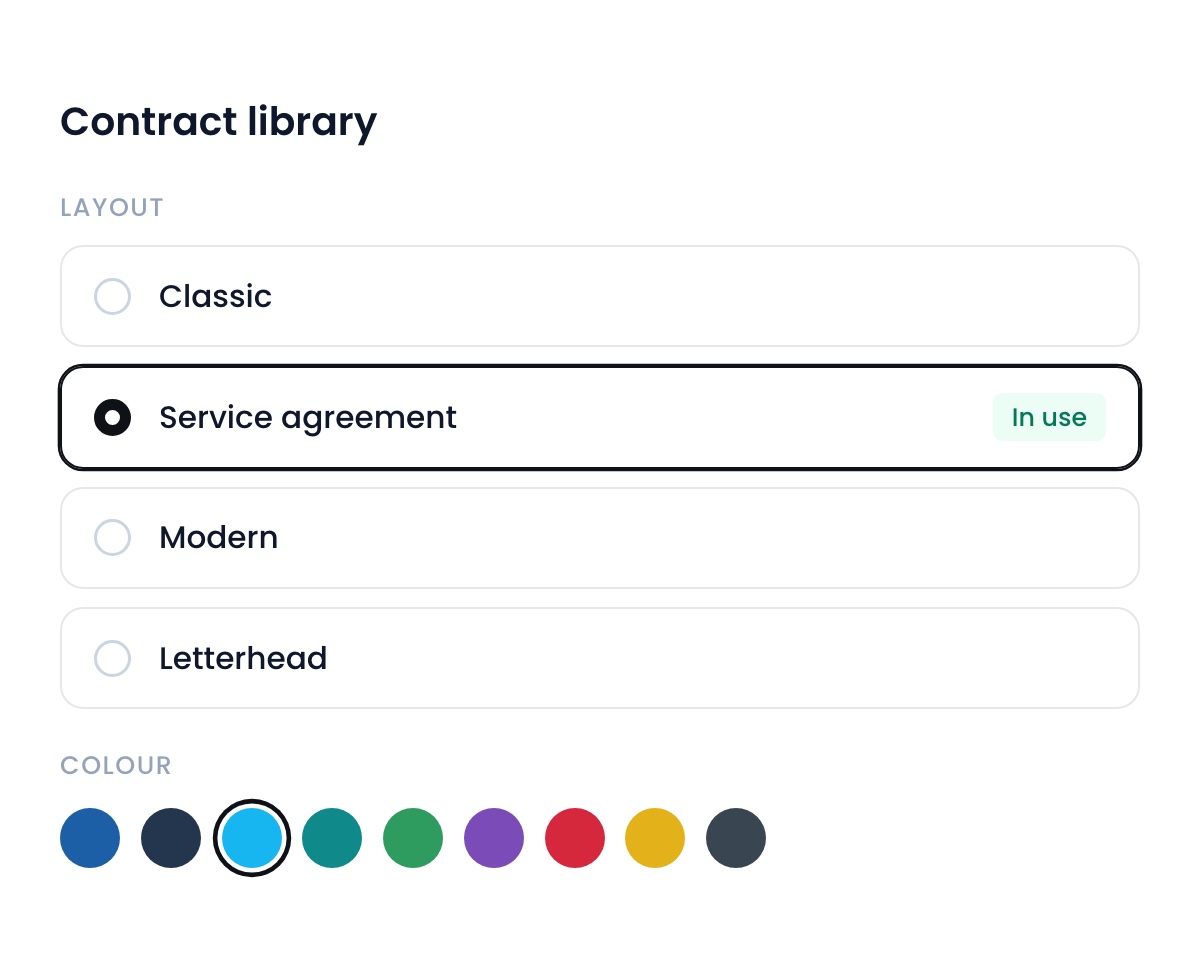
Pick the layout and colour of your subscription agreement, including the new Flyra service agreement. Each role can now be locked out of editing terms or dispatch, and you can require a signature on every new subscription.
More ways to bill
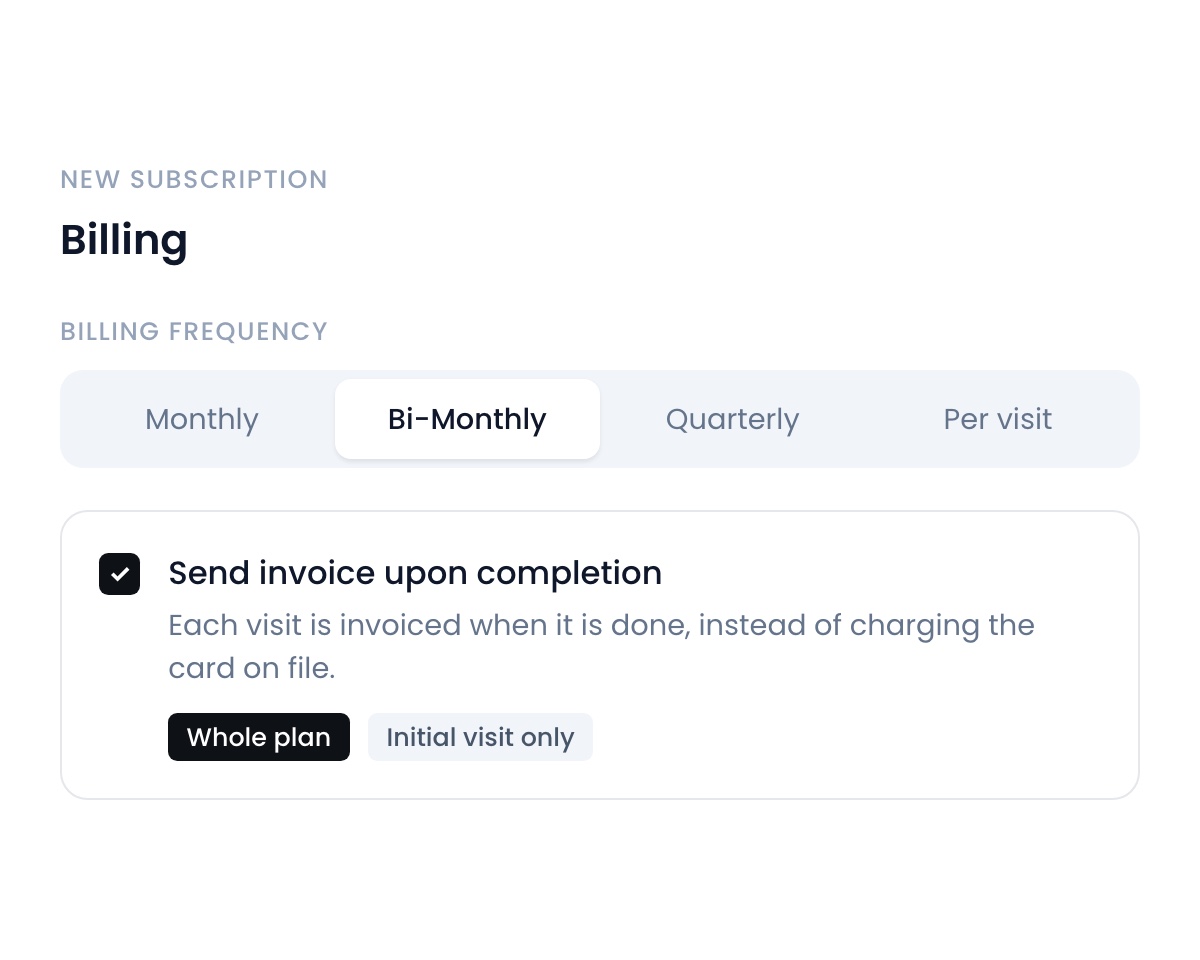
Send an invoice when a visit is completed instead of charging the card on file. Bill a subscription every 2 months once you add it to your billing options, and price each visit of a payment plan on its own.
Also new
- An Unscheduled chip on the Jobs list.Approved estimates and plans marked Schedule later wait under Unscheduled until they get a date.Find it: Jobs
- A voicemail greeting per number.Each business line can have its own voicemail greeting.Find it: Settings → Organization → Phone → Voicemail
- Drop files on a conversation.Drag up to 5 files onto the inbox or team chat, with previews before you send.Find it: Inbox · Team chat
- Before and after photos on quality checks.A quality check can ask for a before and an after, shown side by side.Find it: Settings → Preferences → Jobs
- Minimum notice on booking forms.Stop customers booking a visit less than 6 or 12 hours away.Find it: Booking forms
New to Automations
- Update lead stage can move a lead into another pipeline.
- Switch off cancellation automations from the cancel window.
- A plan confirmation can replace the Service Schedule email.
- Every business starts with tidy default folders.
New on iPhone
- Offline mode.
- On my way shares a live map, and Running late writes the text for you.
- Pay has its own page in the Menu and tab bar.
- Claim your business number in two steps, with a tracker for the carrier.
See why teams are switching to Flyra
Thirty minutes where we show you how Flyra will help your business.