Get paid faster, and keep more of it.
Here is what shipped last week: build the automations that run your week, let customers pay you by bank for a fraction of the card fee, get paid out in minutes, and send spam calls to voicemail.
The automation builder
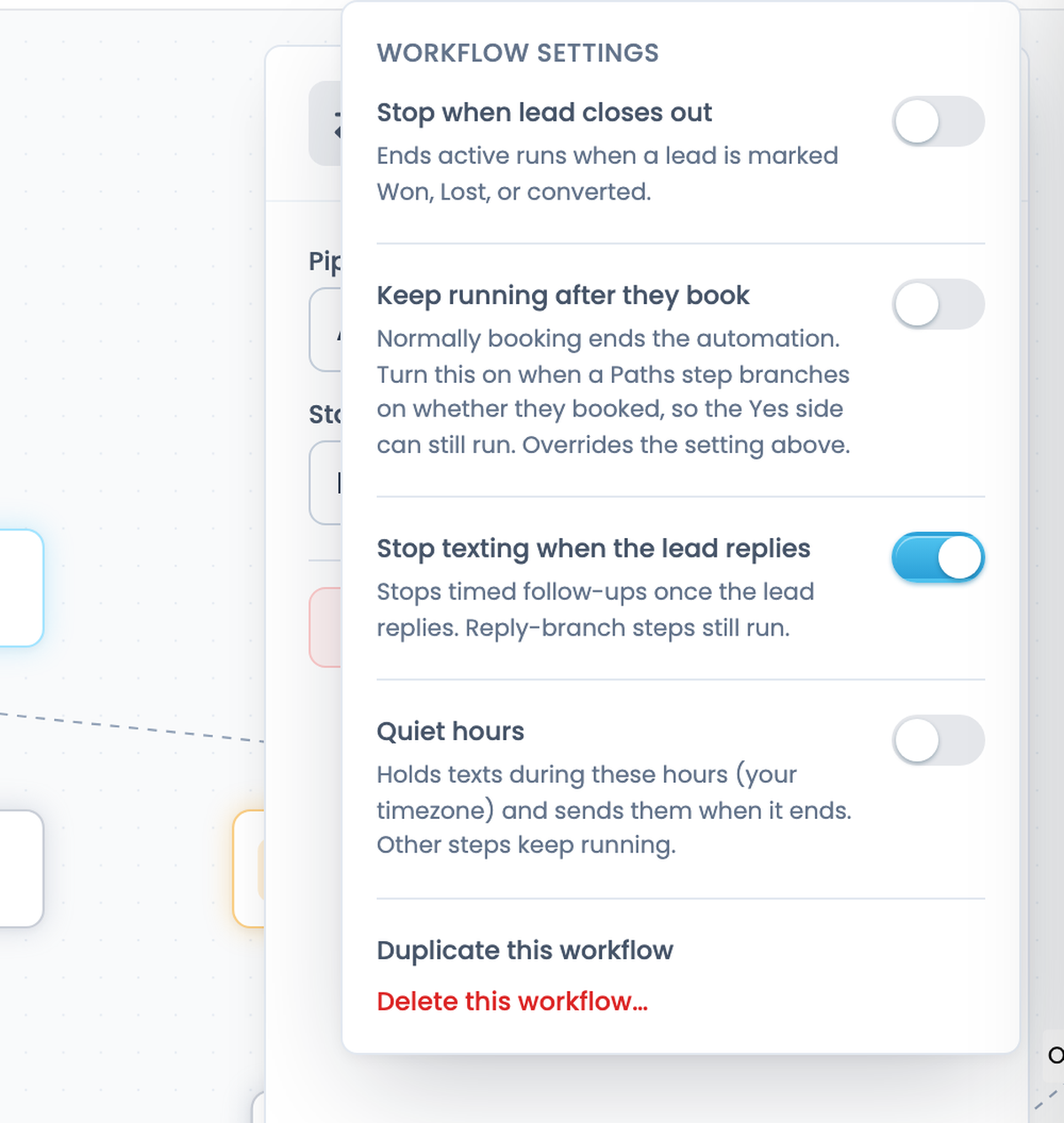
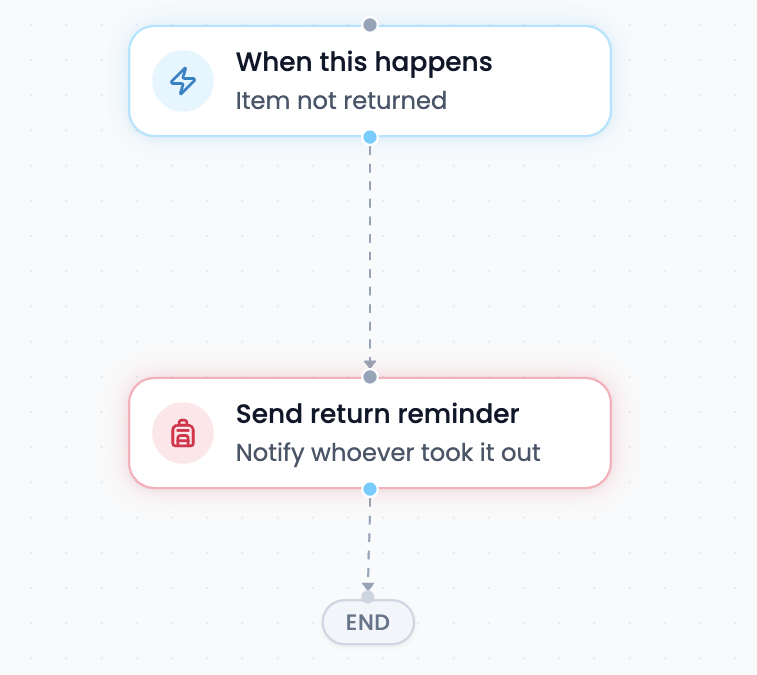
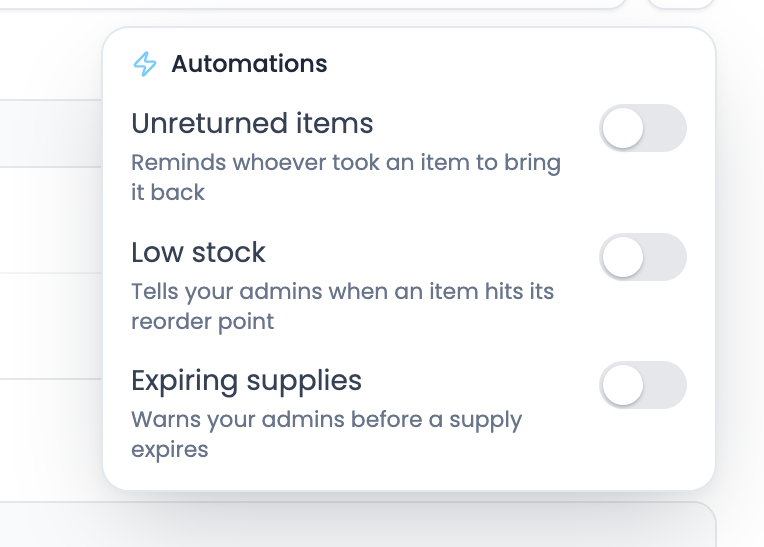
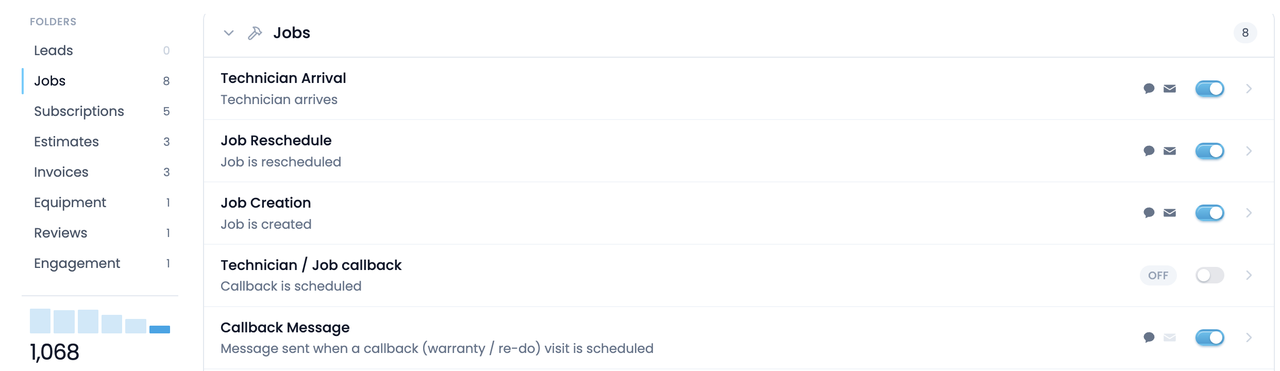
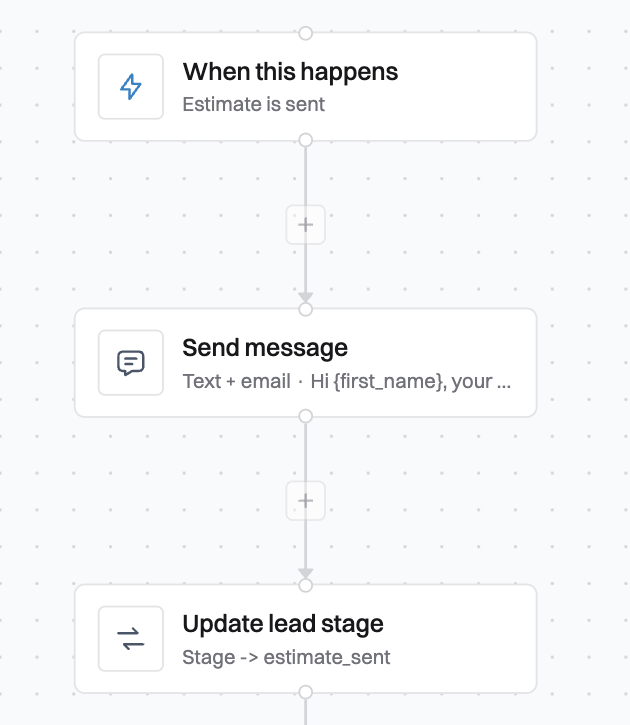
47 triggers that let you automate your business. Spend one afternoon building your automations and then let them run. You can now also organize them into folders, send webhooks out to external software, and connect Flyra to Claude at mcp.flyra.io to build new automations, reword the ones you have, and switch them on or off.
More triggers, more steps
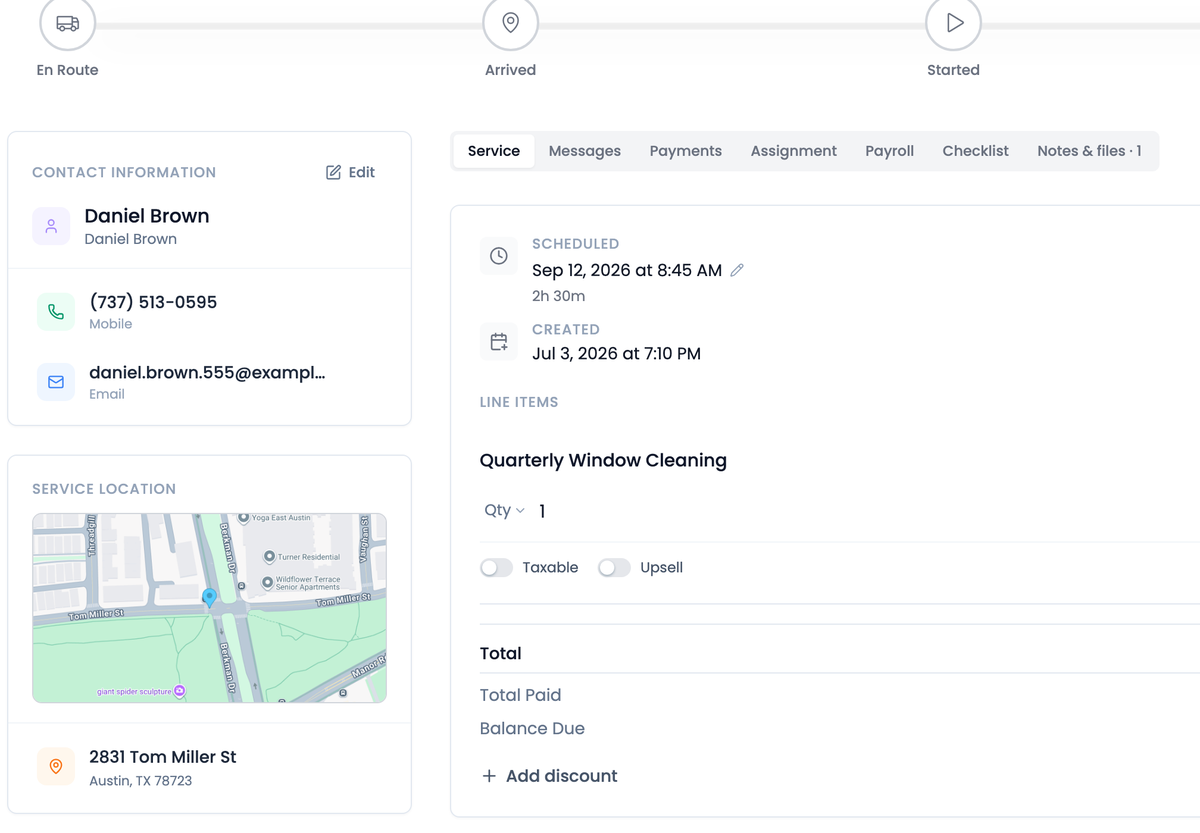
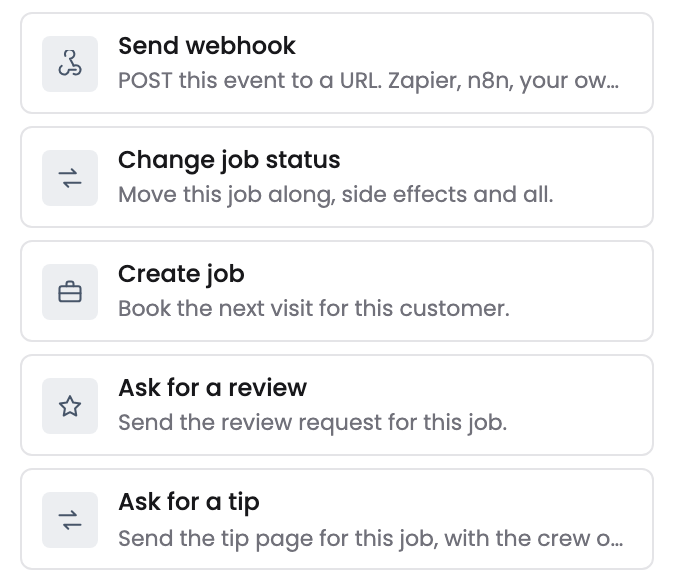
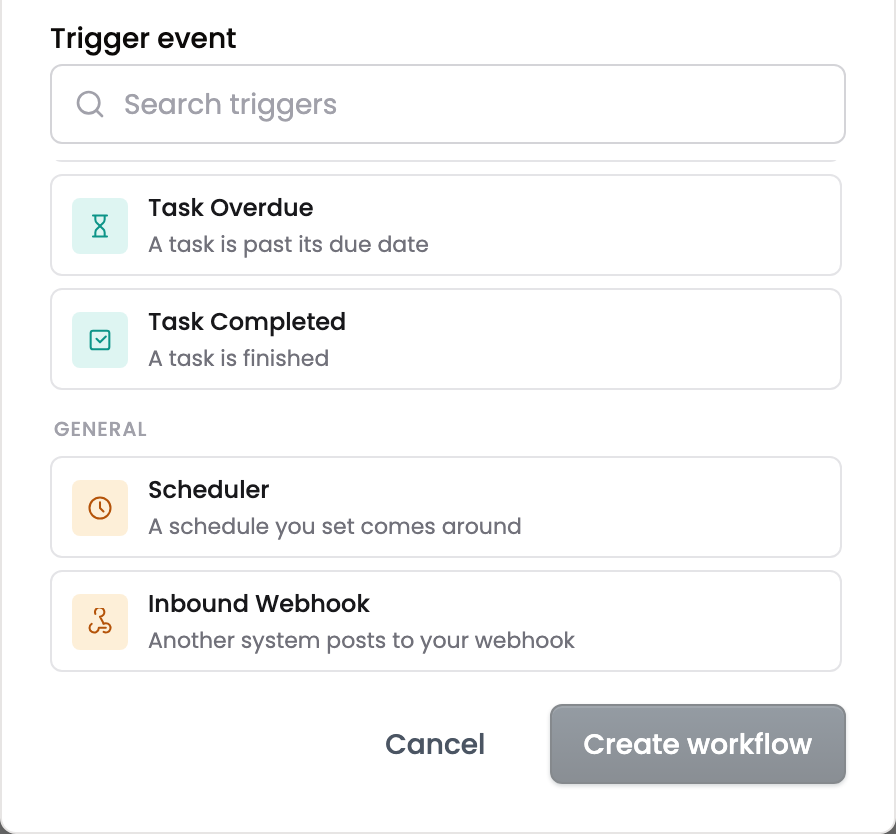
Inbound and outbound webhooks on automations. Those are two of 16 new triggers and 9 new steps this week, which take an automation to 47 ways to start and 24 things it can do. A few of the others: book the next visit, assign the technician, ask for the review, or start when a job goes unpaid or a task goes overdue.
Bank payments
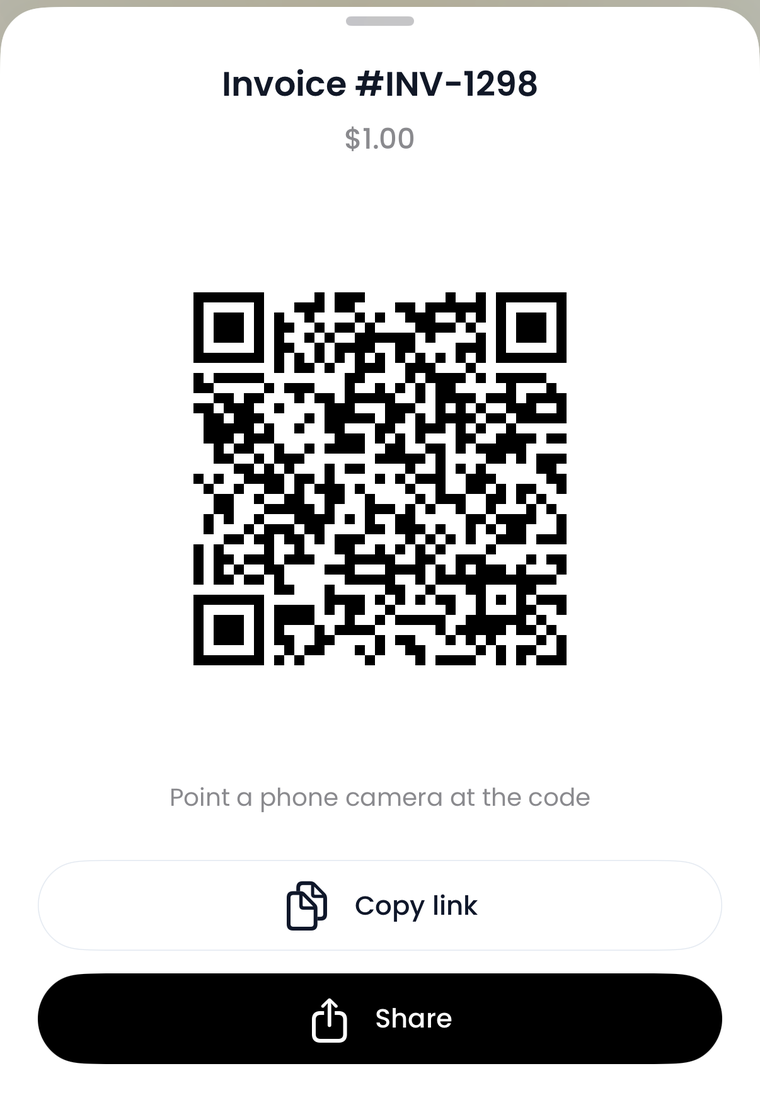
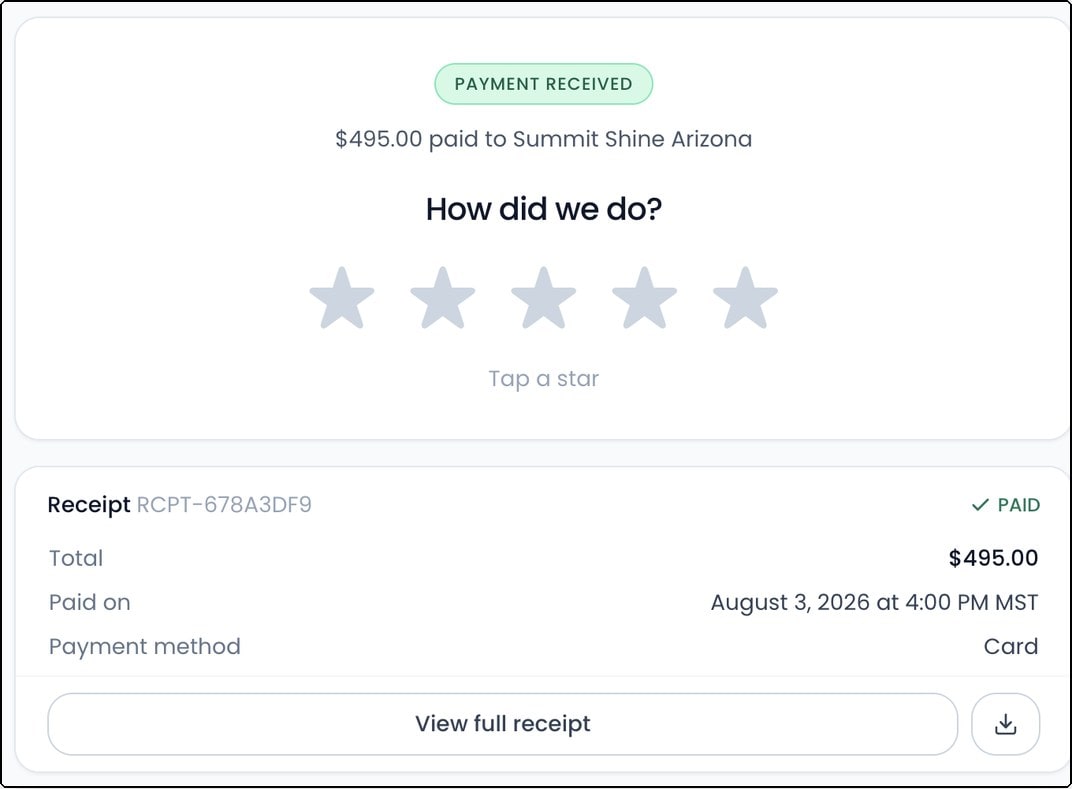
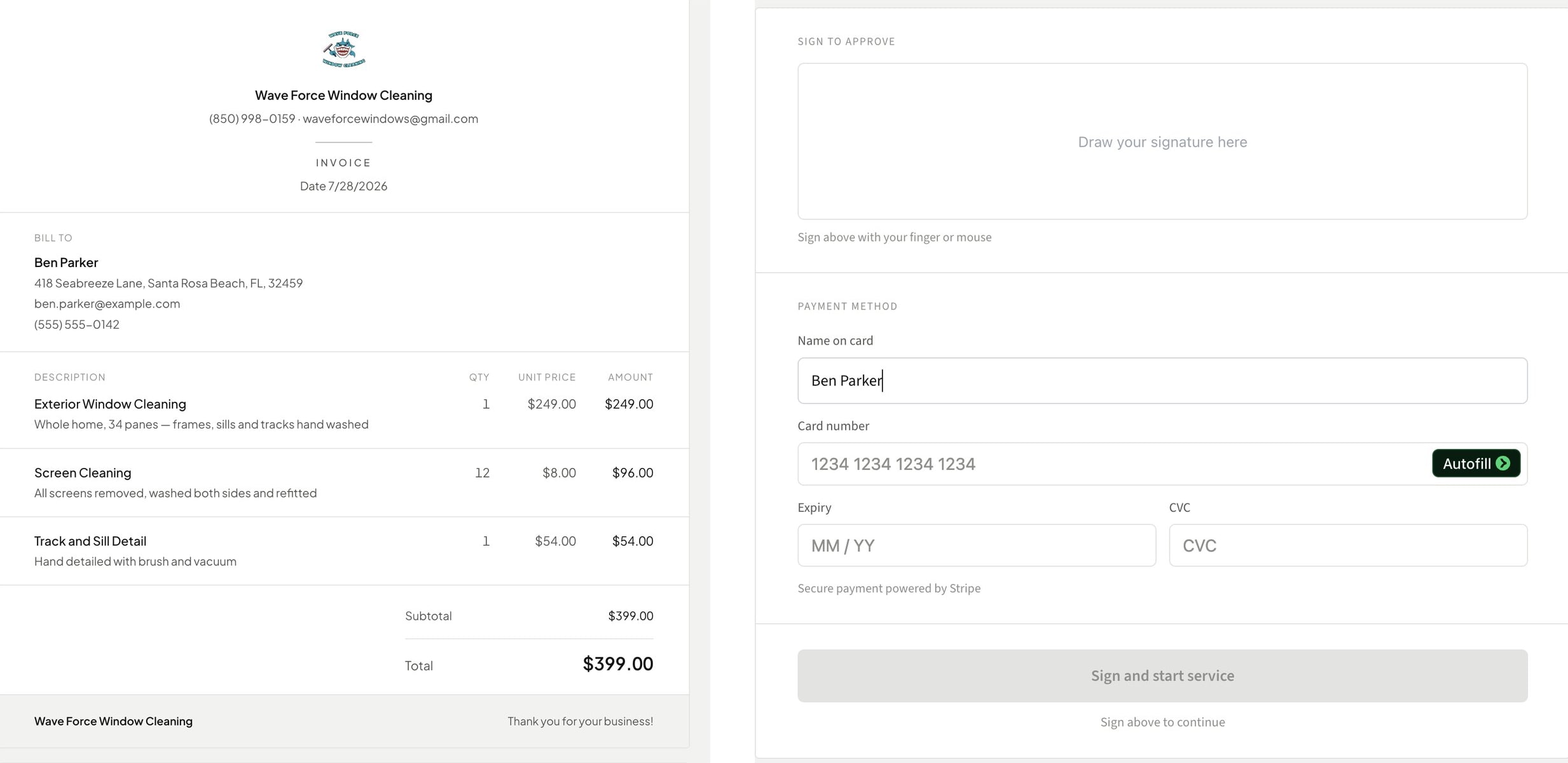
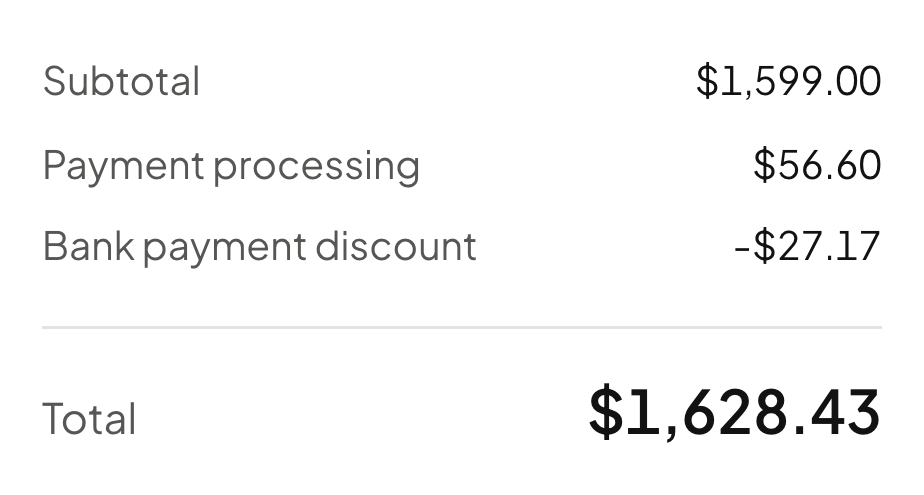
Your customer can now pay an invoice straight from their bank account, and it costs a fraction of a card. Card processing is 3.4%. Bank is 1.5% plus a fee capped at $5. On a $1,599 invoice that is $27 less.
The processing fee
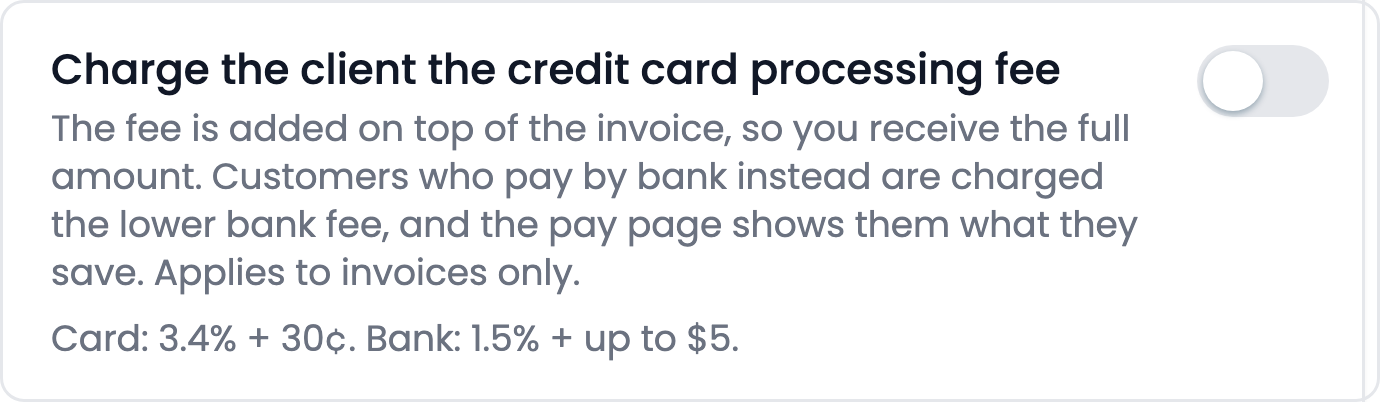
One switch and your client pays your processing fees, whether they pay by card or by bank. The fee goes on top of the invoice, so you receive the full amount either way. Find it in Settings → Payments.
Instant payouts
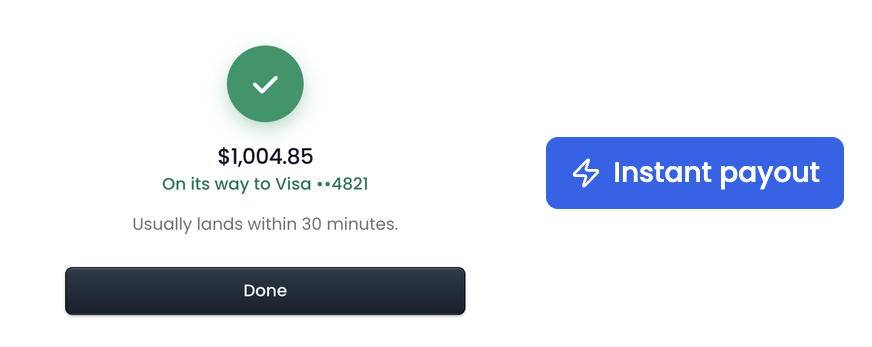
Send your balance to your bank instantly instead of waiting on the usual payout schedule. It lands in about 30 minutes. Find it in Settings → Payments, on mobile and desktop.
Spam screening
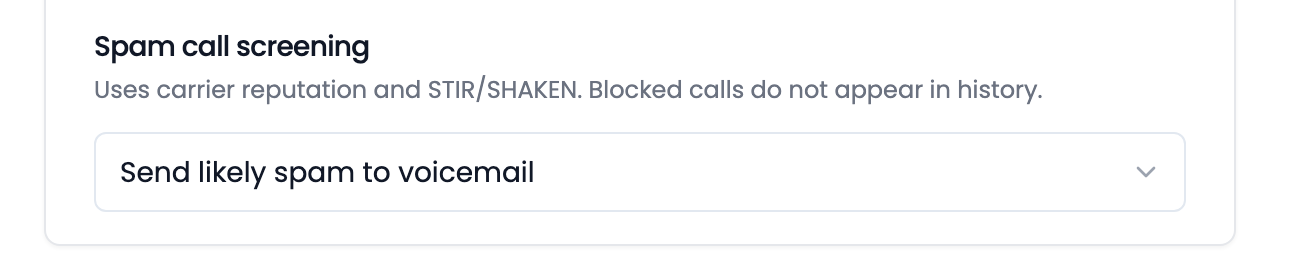
Flyra screens every call coming in. The ones that come back as spam go to voicemail instead of ringing you. It is on by default. To block spam callers outright or switch it off, find this in Settings → Organization.
Also new
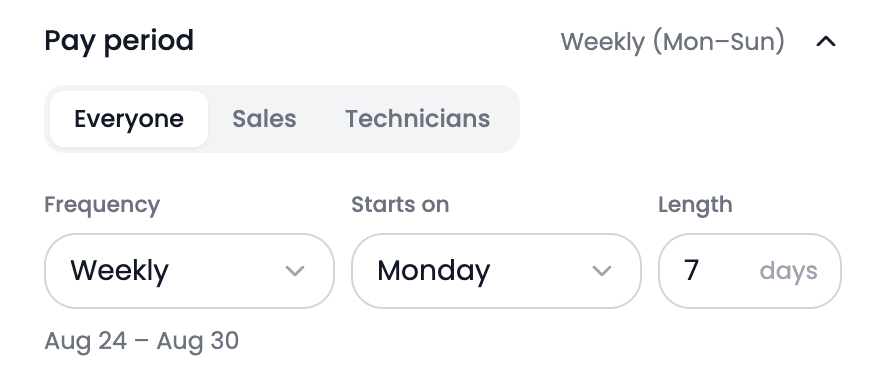
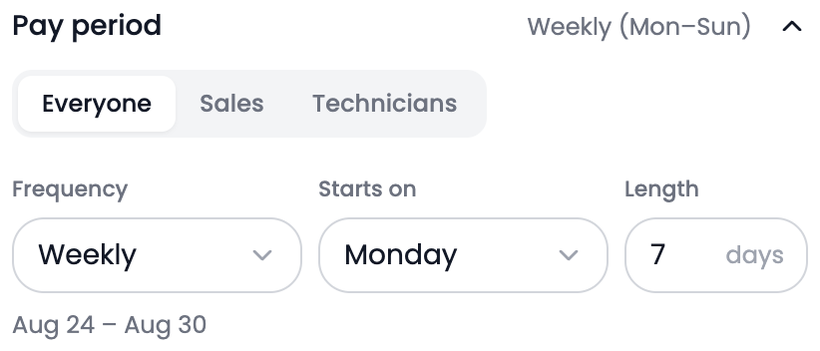
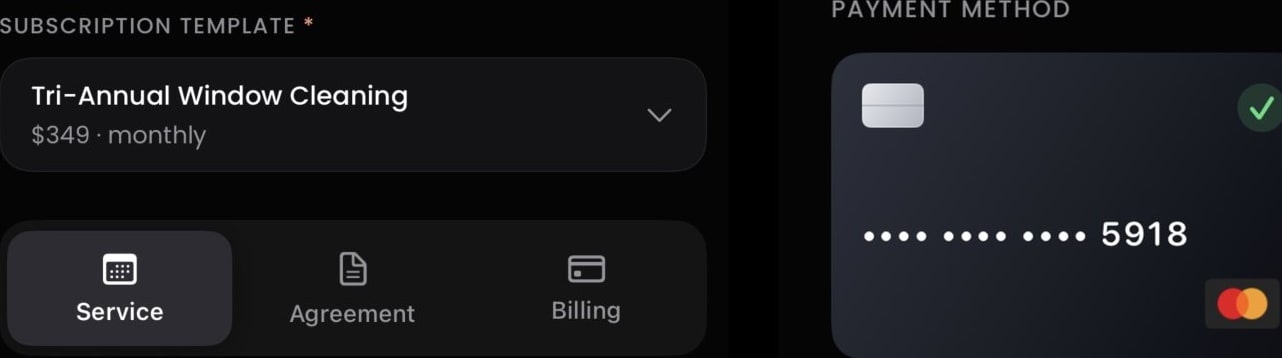
- Weekly and bi-weekly plans land on the day you choose. A plan that visits more often than once a month can now place its visits: every Tuesday, the same date each month, or rolling on from the first visit.Subscriptions
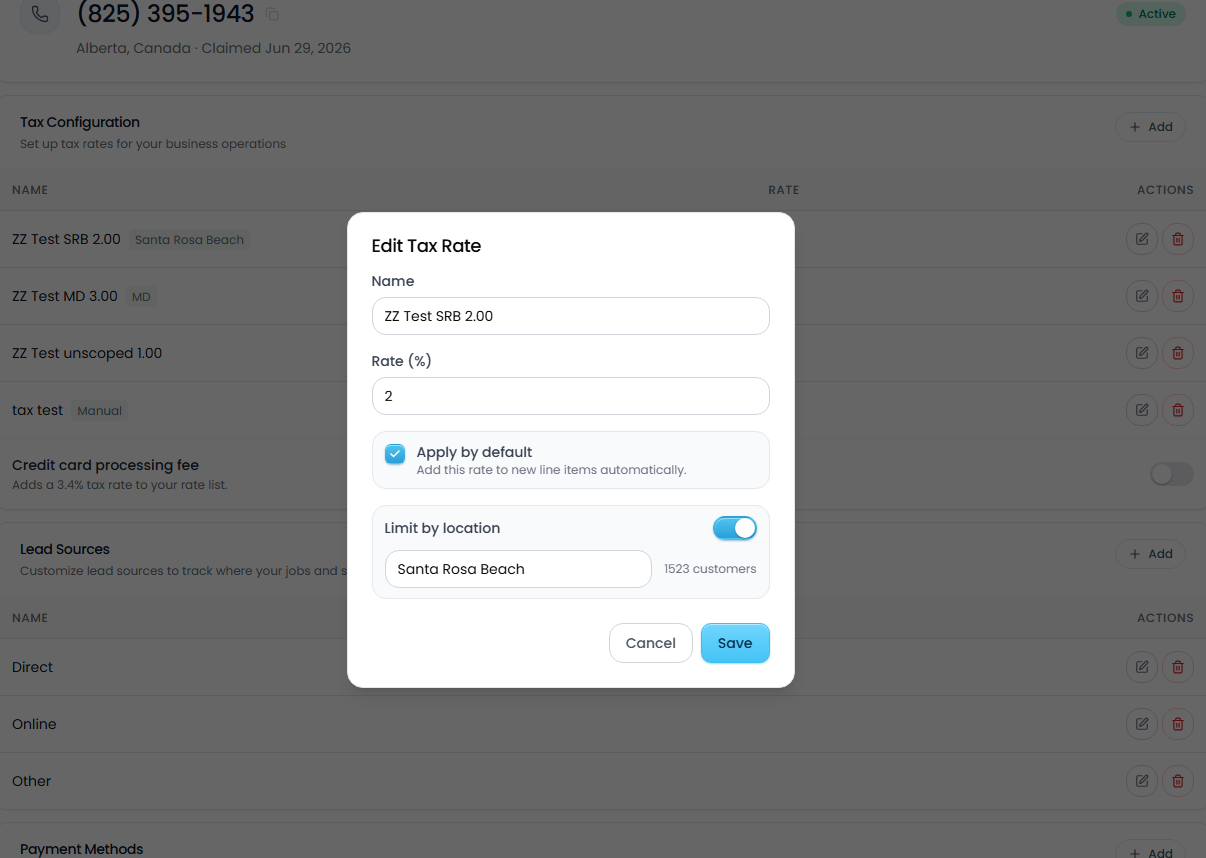
- Undo a delete. Tax rates, lead sources, payment methods and objections ask in the row itself, then give you four seconds to take it back.Settings → Organization
Fixes and improvements
- Texts A text held back overnight shows the time it actually went out, not the time it was queued.
- Attachments Photos up to 10 MB, and iPhone HEIC files.
- Inbox An unsent draft survives leaving the thread and reloading.
- Calls An admin can pick which of your lines outbound calls go out on.