Support in the app, lead forms and a new inbox
Here is what shipped last week: support right in the mobile app, lead forms you can build in minutes, a new inbox, bulk payment reminders, and files that go out with every estimate on their own.
Support right in the mobile app
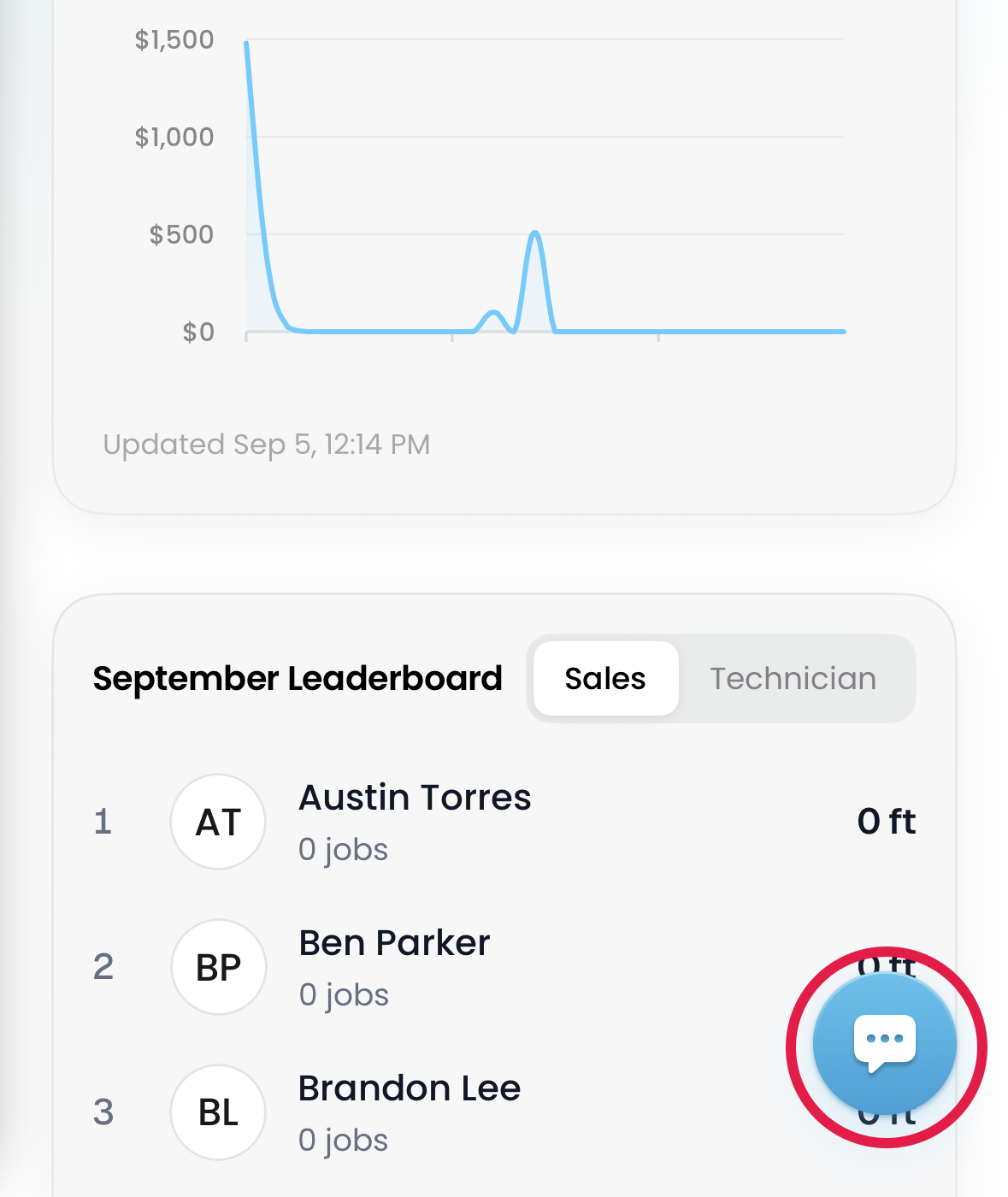

Reach support from the Flyra mobile app.
Lead forms
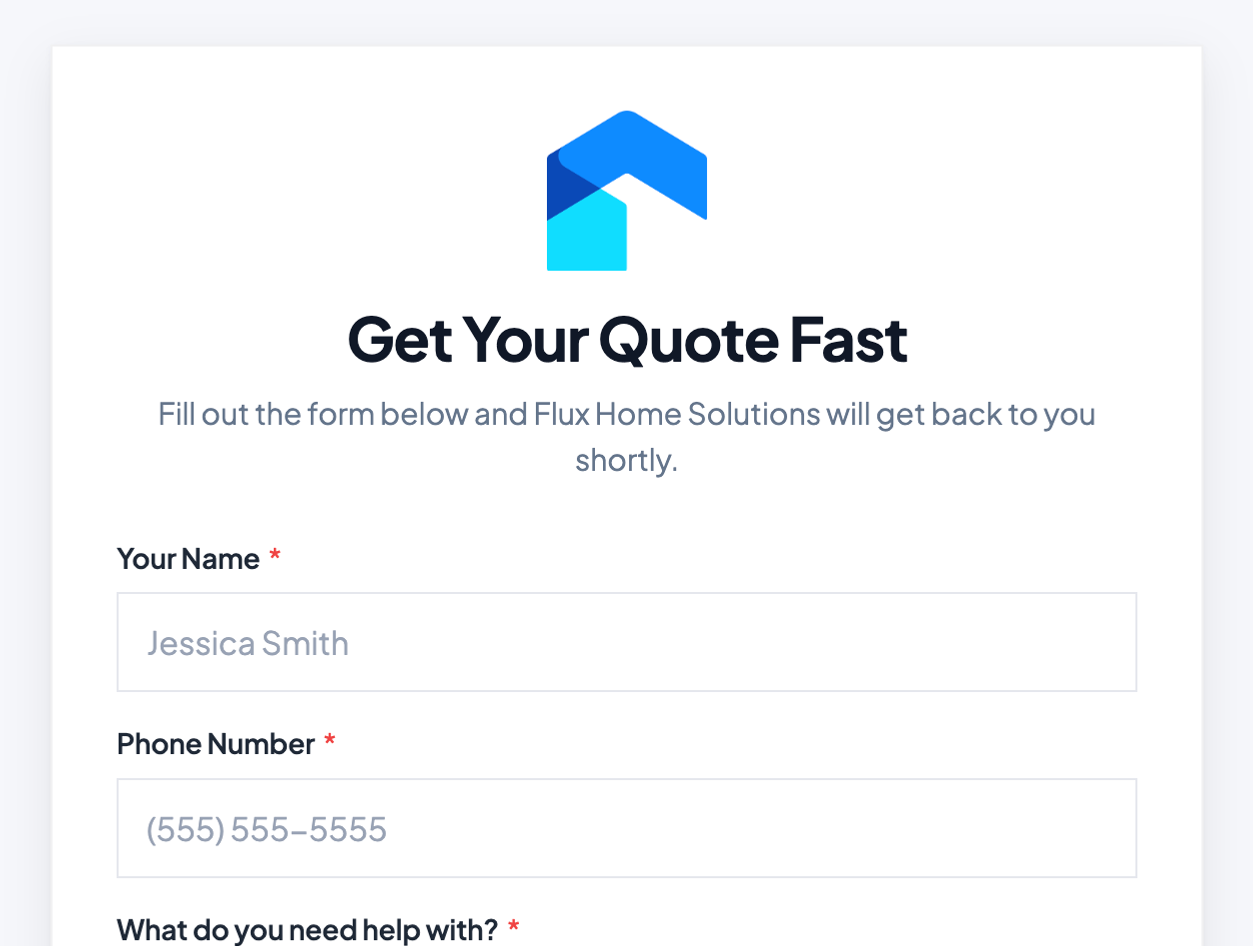
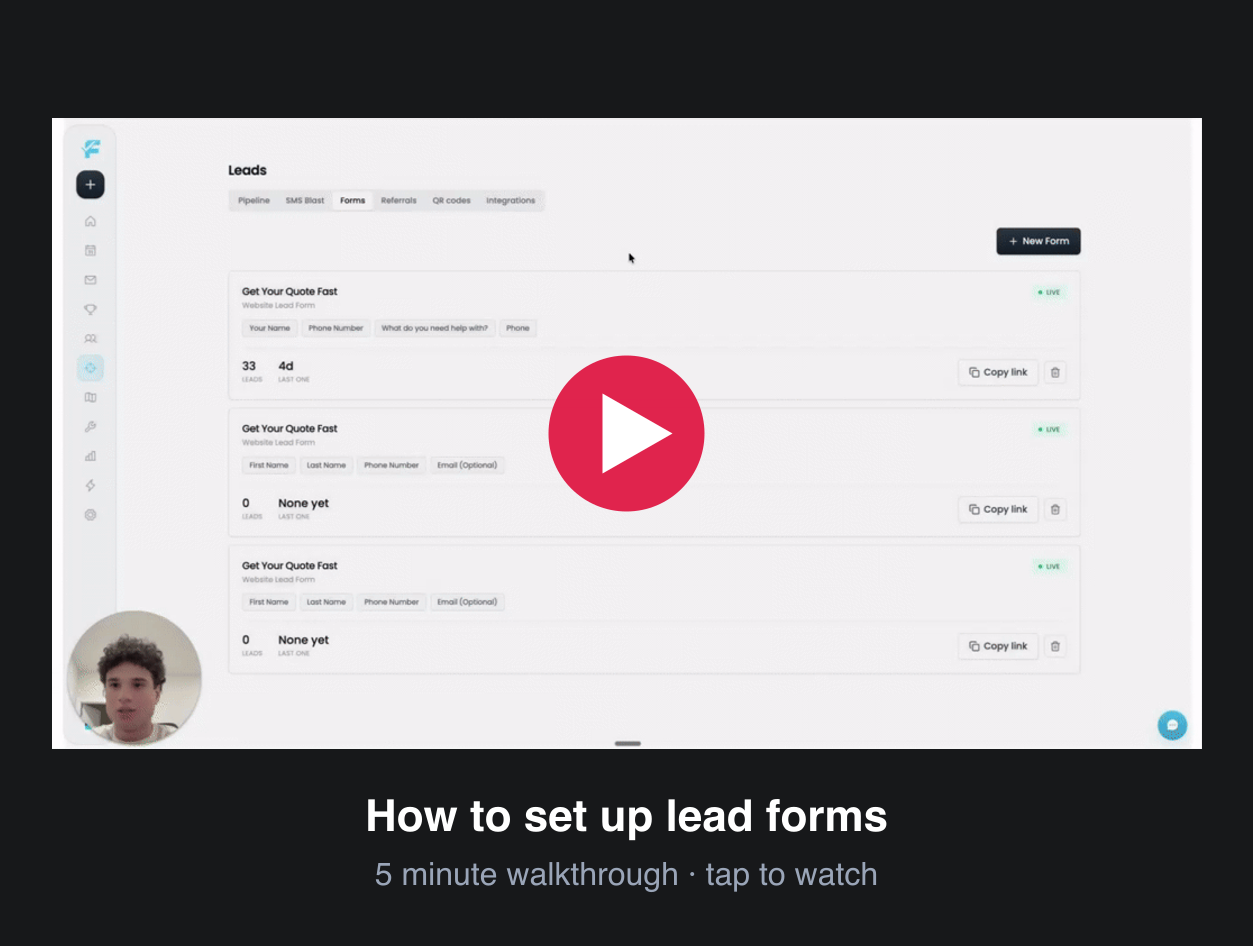
Build a lead form in minutes. The questions are simpler to set up, and the form itself is more customizable: your logo, your colours. Share the link or embed it on your website. Leads land in your pipeline the moment someone submits.
Inbox
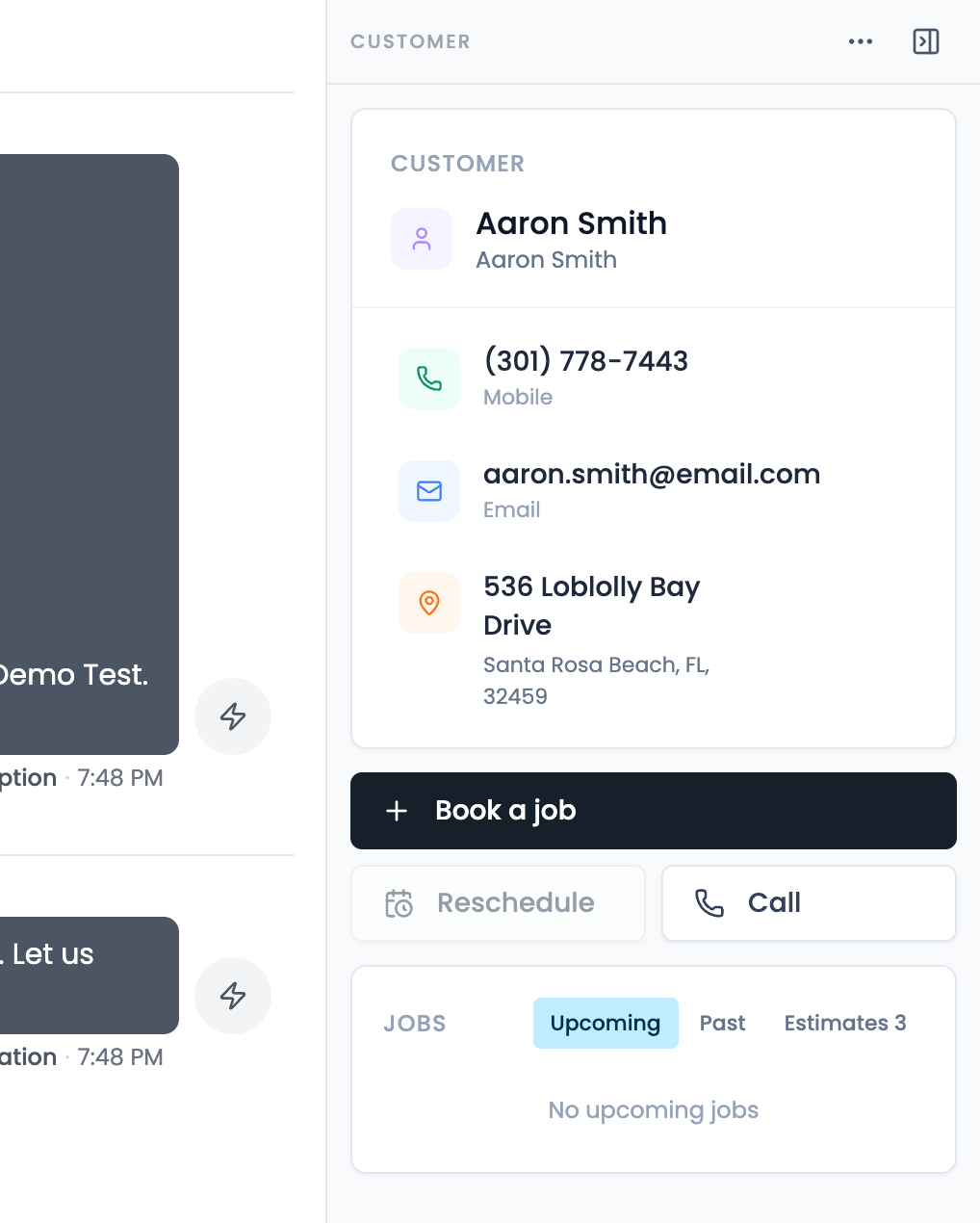
The customer’s details sit right beside the conversation: phone, email, address, their upcoming jobs and estimates, with Book a job, Reschedule, Call and Send payment link one tap away.
Bulk payment reminders
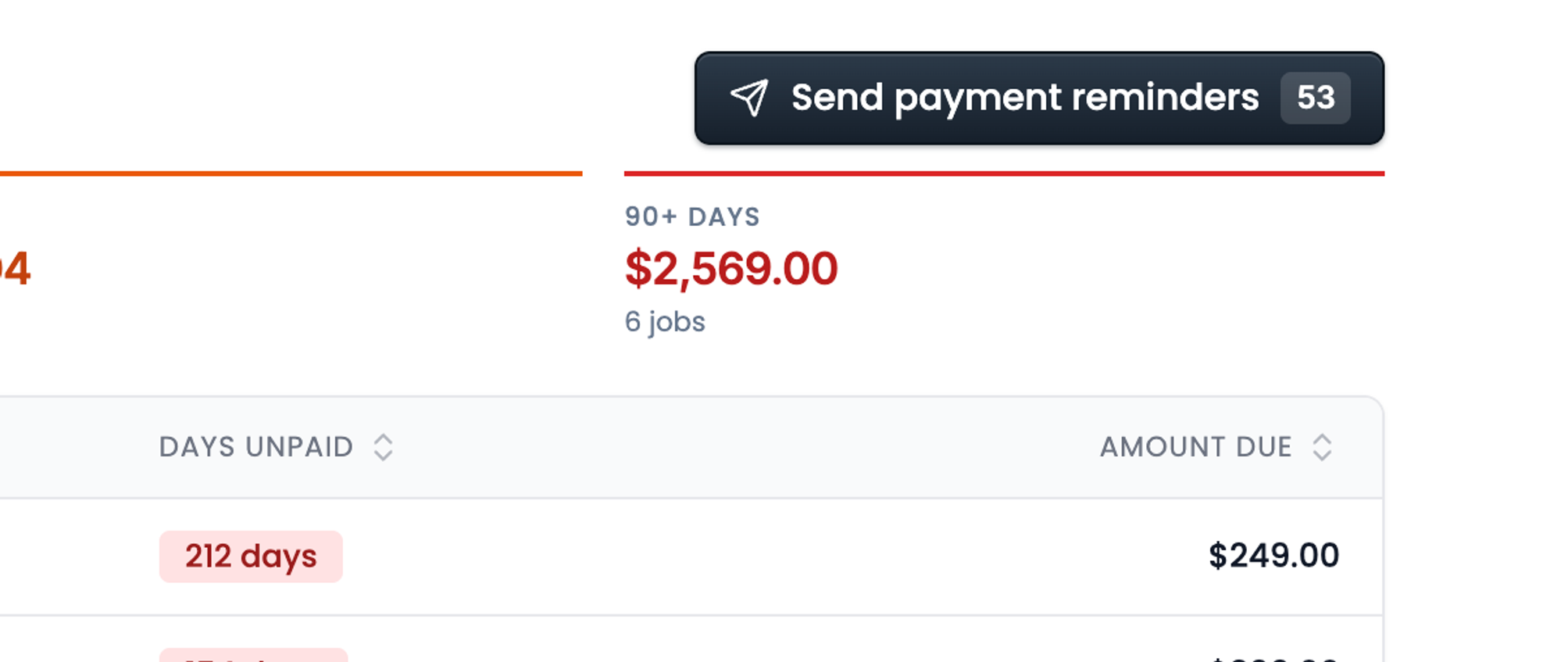
Automatically generate payment links and send them to every client who hasn’t paid for their jobs. The Payments report groups what is owed by how long it has been outstanding, and one button does the rest.
Default attachments
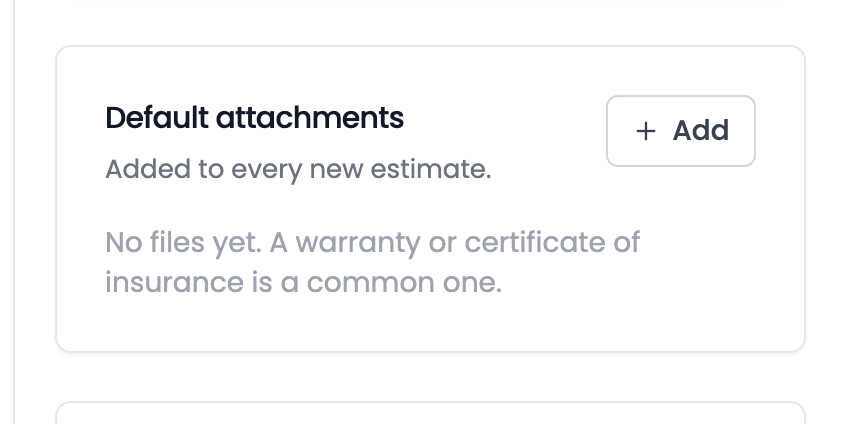
Files that go out with every new estimate, set once. A warranty, a certificate of insurance, a scope of work. Add them under Settings → Estimates and stop attaching the same PDF by hand.
Custom pay periods
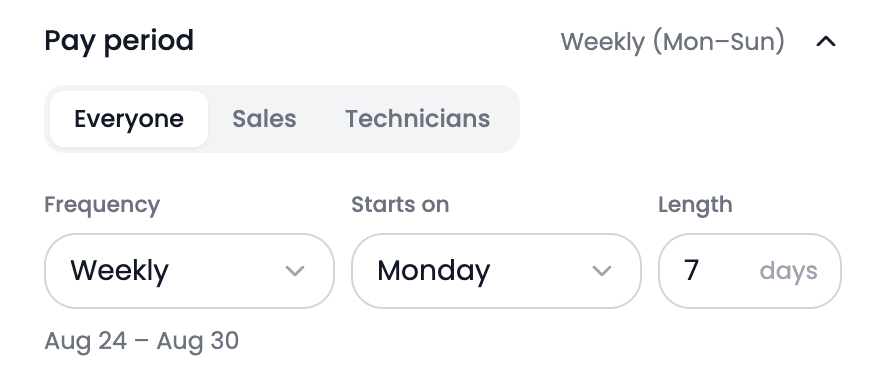
Pay Sales and Technicians on different schedules. Set the frequency, the start day and the length for each role.
Also new
- Appointments confirm themselves.Book an appointment and the customer gets the confirmation text right away.Find it: Automations → Leads
- Instant call forwarding.Forward your Flyra number straight to an outside phone.Find it: Phone → Settings
- Line items by the linear foot.Price a line item per linear foot. Enter the footage on the estimate and the total calculates itself.Find it: Settings → Preferences
Every one of these is in your account from day one.
Try all of it free for 14 days. We ship something new every week.
Start your 14 day free trial