Scan to pay, a new job page and dark mode
Here is what shipped last week: get paid by QR code, the job page rebuilt, and dark mode.
Scan to pay
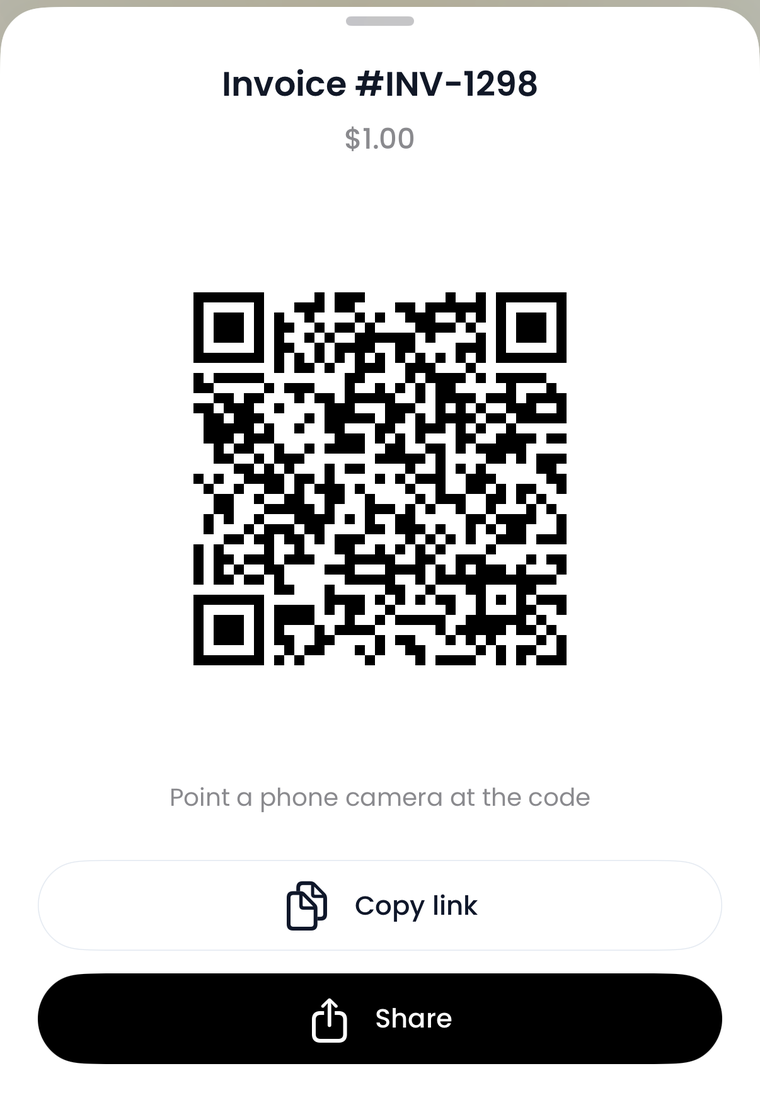
Show the code, they scan it, they pay on their own phone. Nothing to type, no link to send.
A new tabbed layout
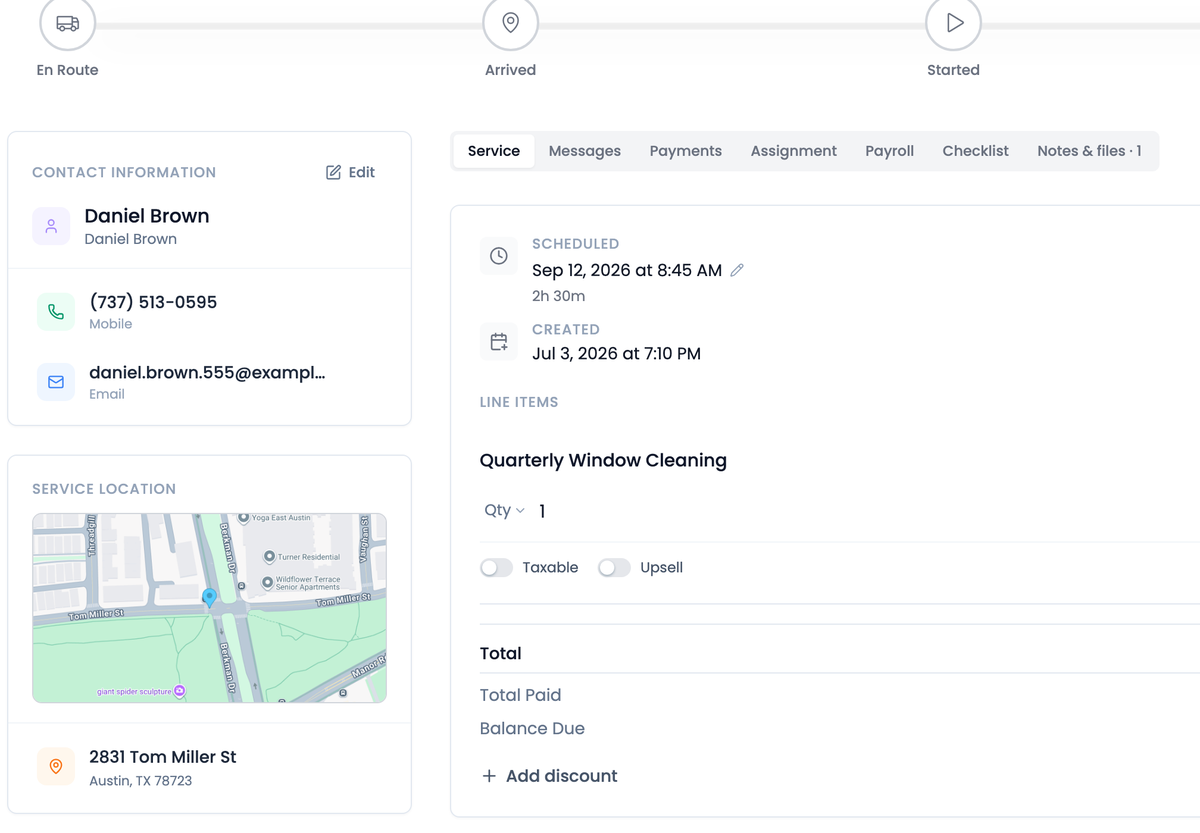
Jobs and customers work the same way now. The contact, the address and the map stay in a fixed rail while you work, and everything else is tabs, with their text thread second in the strip.
Dark mode
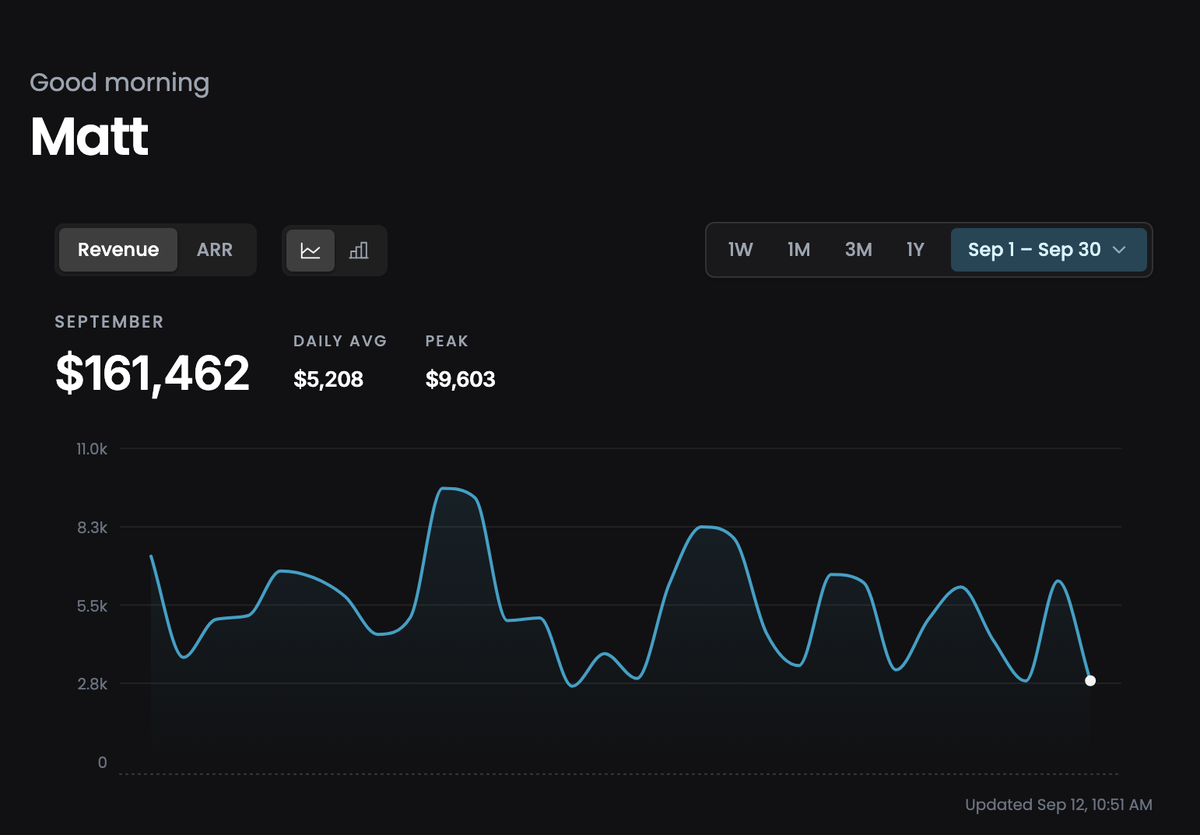
Rebuilt from the ground colour up. The old navy cast is gone for a neutral graphite, so chips, charts and status colours read as themselves instead of picking up a blue tint. Every page, not just the dashboard.
Lead Reports
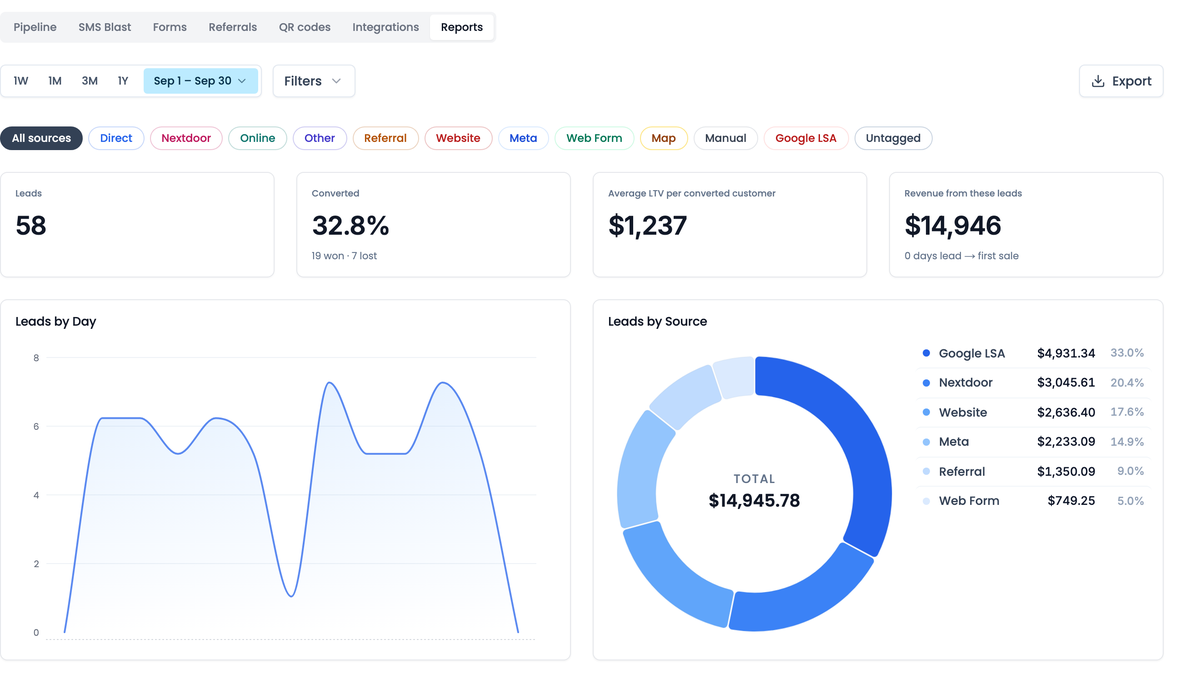
A Reports tab on Leads. Every source you use, how many converted, what they were worth, and how long they took.
Duplicate a workflow
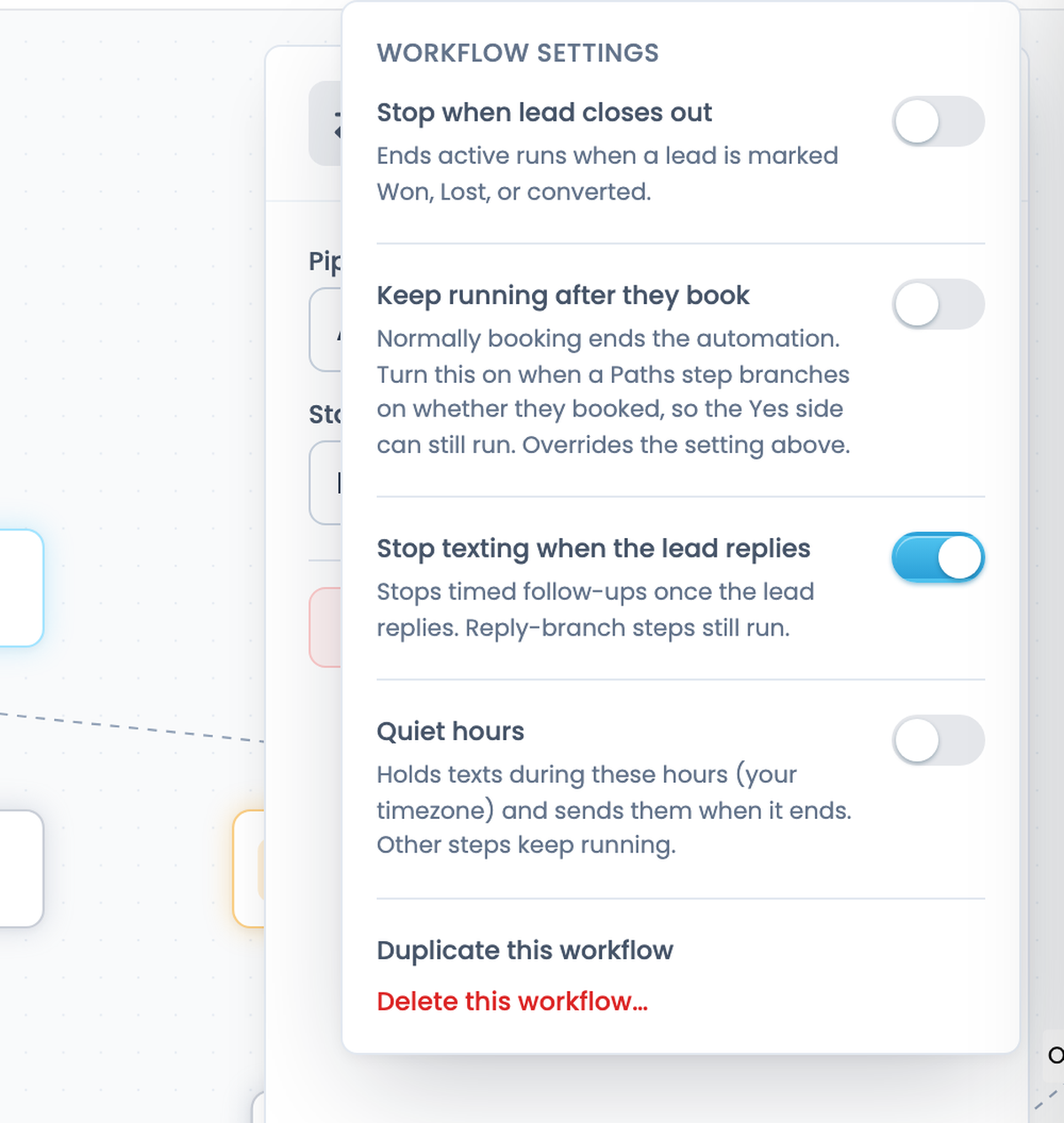
Copy a workflow and change what differs, instead of starting from an empty canvas. Two new steps as well: Add tag and Remove tag.
Also new
- Text a customer from their page.The conversation sits on the customer and lead page now. Unread texts show a count in the browser tab and chime when they land.Find it: Customers
- Send a blast to one tag.Filter who an SMS blast goes to by customer tag.Find it: Leads → SMS Blast
- Your Stripe balance, on the dashboard.What has landed and what is on its way, without leaving Flyra.Find it: Dashboard
Fixes and improvements
- Partial refundsA part-refunded payment shows what you kept, everywhere it appears.
- InvoicesAn invoice picks up a line item added after it was made.
- ReportsCharts stopped drawing a money scale under a lead count.
Every one of these is in your account from day one.
Try all of it free for 14 days. We ship something new every week.
Start your 14 day free trial