Tips after payment, appointments and card on file
Here is what the development team shipped this week, from booking the visit that comes before the quote to three new ways to get money in the door.
Appointments
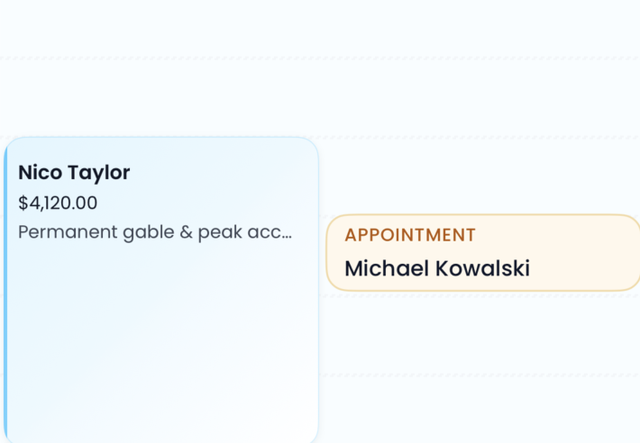
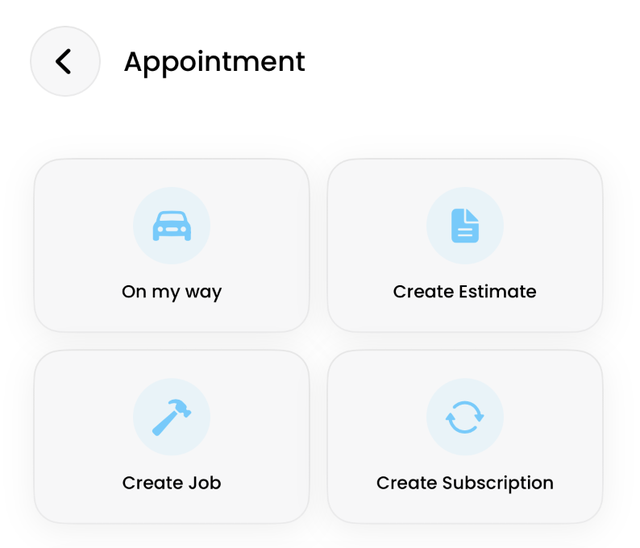
Create an appointment to quote a property, assign it to a customer and salesperson, and schedule it alongside jobs. Switch it on/off in Settings → Preferences.
Tip request after payment
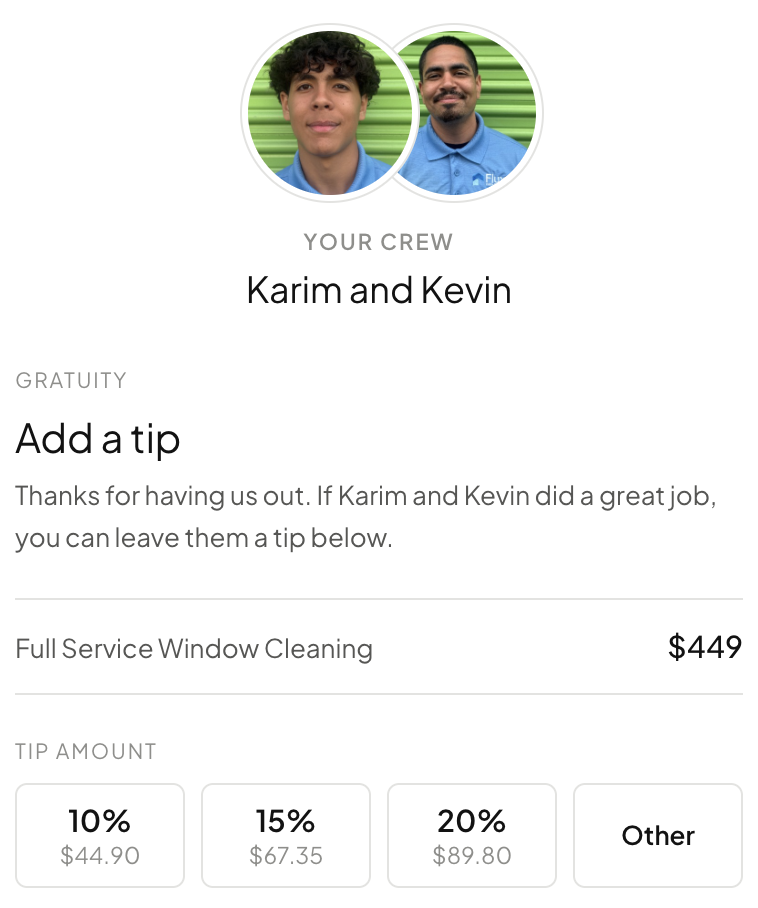
Customer paid without a tip? Flyra automatically requests it for you, so your team gets rewarded for their hard work. It is on by default, and lives in Automations under Payments.
Attachments
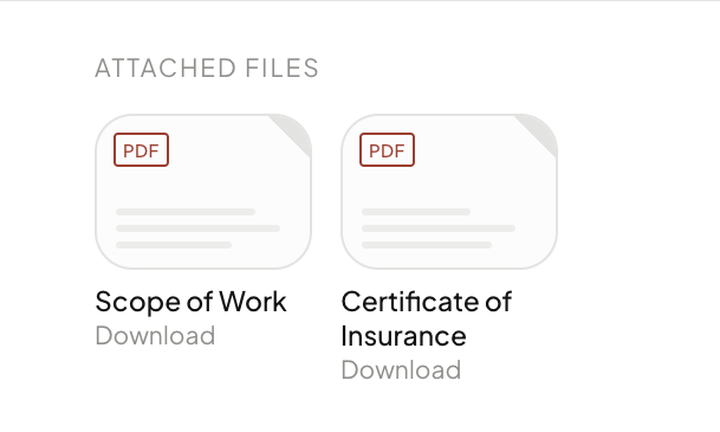
Attach PDFs to an estimate and your customer can open and download them. A scope of work, a warranty, a certificate of insurance.
Payments
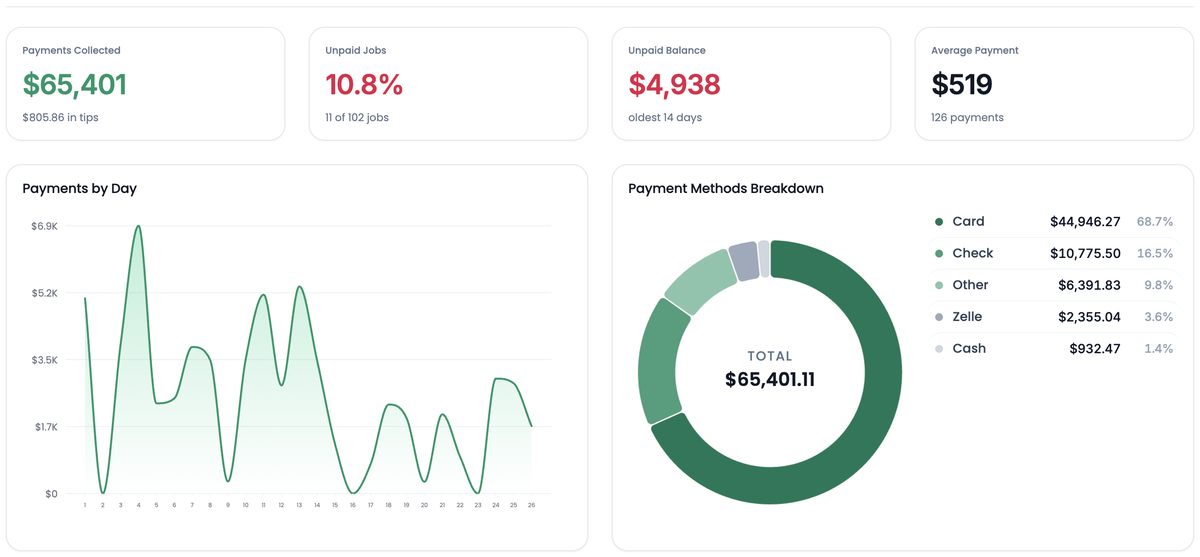
Payments Collected, Unpaid Jobs, Unpaid Balance and Average Payment, all on the date range you pick. Payments by Day and a Payment Methods Breakdown underneath. Export payments and Export unpaid are one click.
Charge Card on File
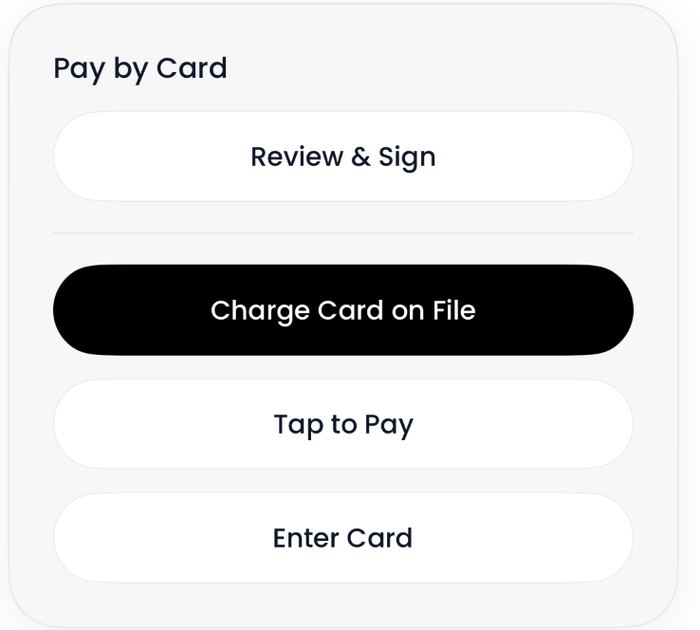
A saved card charges straight from the job, in Pay by Card beside Review & Sign, Tap to Pay and Enter Card. Take the whole balance or type a smaller amount. Link counts as a saved method too.
Pay period settings
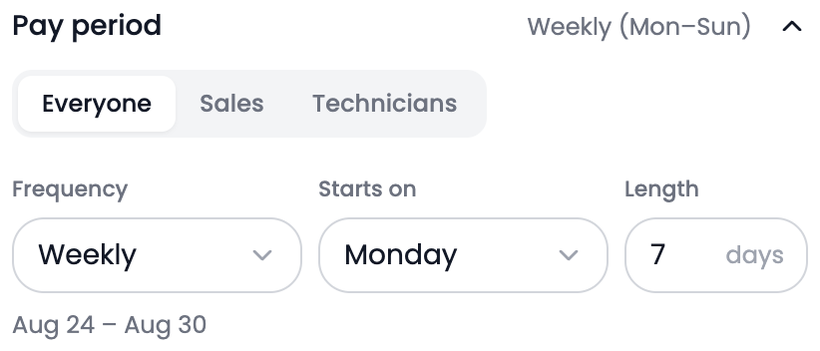
Sales and Technicians can now run different pay periods. Set Frequency, Starts on and Length per role, so Wednesday to Sunday is a real option. The settings are one accordion now, every row showing what it is set to.
Also new
- New job frequencies.New recurring job options include every day, every other day, every weekday and every week.Find it: Jobs → New job
- Call forwarding.Transfer your Flyra calls to an outside number.Find it: Phone → Settings
Every one of these is in your account from day one.
Try all of it free for 14 days. We ship something new every week.
Start your 14 day free trial